1
PICkit™ 2 MCU Programmer User’s Guide
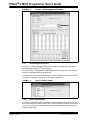
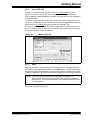
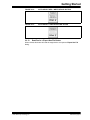
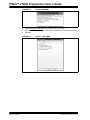
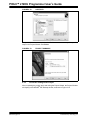
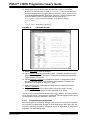
FIGURE 4-12:
ADD FILES
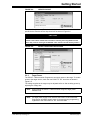
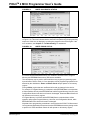
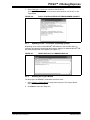
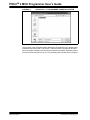
If any errors have been made, click on the Back button to return to any of the previous
steps in the Project Wizard. Click Finish.
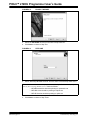
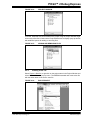
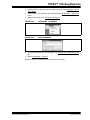
FIGURE 4-13:
4.2.5
PROJECT SUMMARY
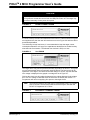
PIC16F887 Debug Demo Project
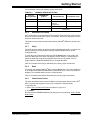
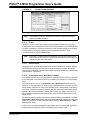
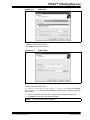
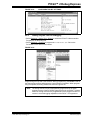
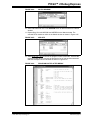
After completing the project setup and exiting the Project Wizard, the Project Window
will display in the MPLAB® IDE desktop window, as shown in Figure 4-14.
DS51553C-page 36
© 2007 Microchip Technology Inc.