1
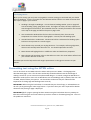
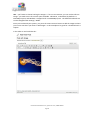
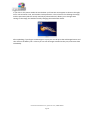
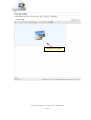
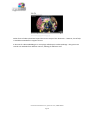
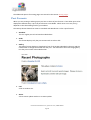
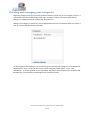
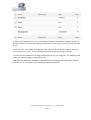
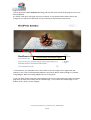
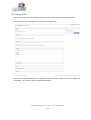
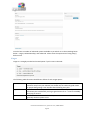
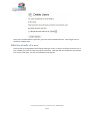
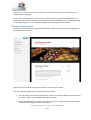
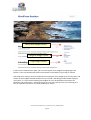
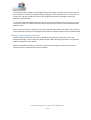
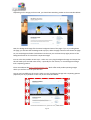
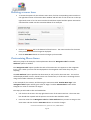
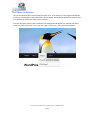
If you click on the picture within the visual editor you’ll see two icons appear as shown to the right,
one a red circle with a line, and another a little panorama. The red circle is for deleting the image,
and the panorama (which is mostly used only by advanced users) allows you to change some
settings in the image, but without actually changing the attachment details.
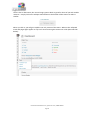
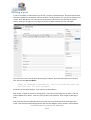
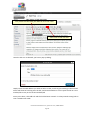
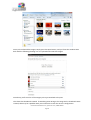
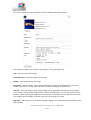
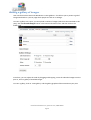
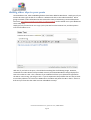
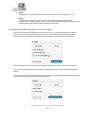
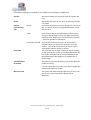
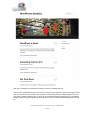
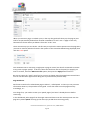
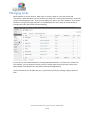
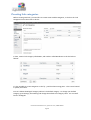
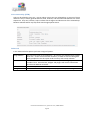
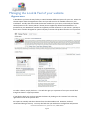
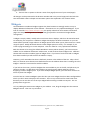
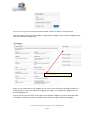
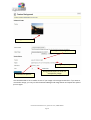
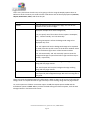
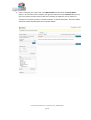
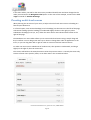
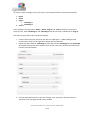
After uploading, if you forgot to add images to a post you can still press the Add Images button and
then click on the Gallery tab. In there you can see all images attached to this post, and insert them
individually.
User Guide for WordPress 3.4+ | speed-net.co.uk | 01832 280 032
Page 26