1
SPROG IIv3 User Guide for DecoderPro 2.14
12
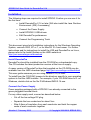
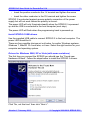
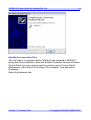
Your install steps are now all completed, and it is time to start the software
and use your SPROG II. Go on to the next major section of this Guide
“Setting Preferences”.
Driver Installation for Windows 7
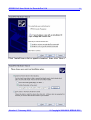
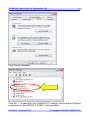
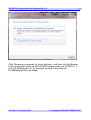
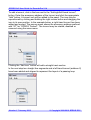
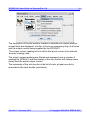
When the SPROG IIv3 is first plugged into a USB port you should see a
bubble appear in the lower left corner of the screen “Installing device driver –
click here for status”. If you click then a further status window opens.
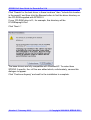
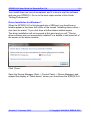
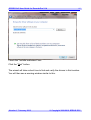
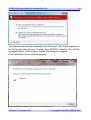
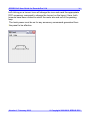
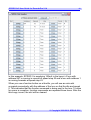
The driver installation will not succeed at this point and you will “”Device
driver software was not successfully installed” in a bubble in the lower left of
the screen or the status window:
Click “Close”
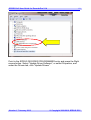
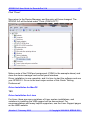
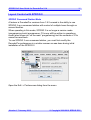
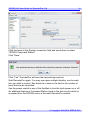
Open the Device Manager (Start -> Control Panel -> Device Manager) and
expand the display of “Other device” where you should see the SPROG IIv3:
Version 1.7 January 2012
© Copyright 2008-2012 SPROG DCC