1
SPROG IIv3 User Guide for DecoderPro 2.14
36
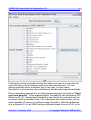
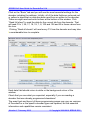
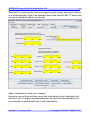
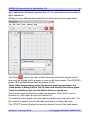
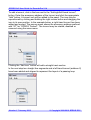
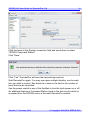
Left clicking on a turnout icon will change the icon and send the appropriate
DCC accessory command to change the turnout on the layout. Here, both
turnouts have been clicked to select the route into and out of the passing
loop.
The track power must be on for any accessory commands generated from
!the panel to be effective.
Version 1.7 January 2012
© Copyright 2008-2012 SPROG DCC