1
SPROG IIv3 User Guide for DecoderPro 2.14
9
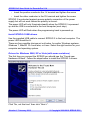
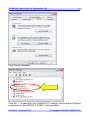
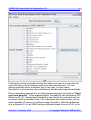
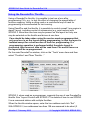
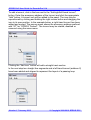
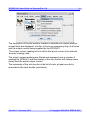
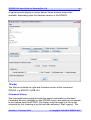
Click “Search for the best driver in these locations” then “Include this location
in the search” and then click the Browse button to find the driver directory on
the CD-ROM supplied with SPROG II.
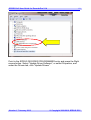
If your CD-ROM drive is E:, for example, this directory will be
E:\USB\sprogIIv3\inf
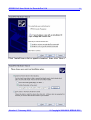
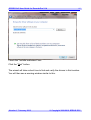
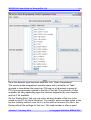
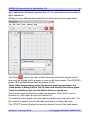
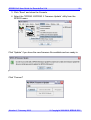
Click “Next >”.
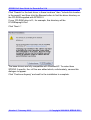
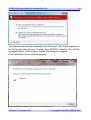
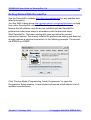
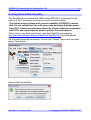
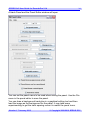
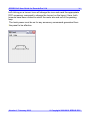
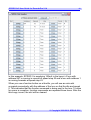
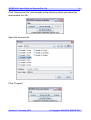
The base drivers are fully compatible with WindowsXP. To make them
SPROG II specific, the .inf files are edited which, unfortunately, causes this
dialogue to appear.
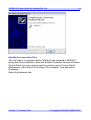
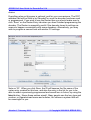
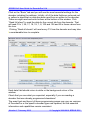
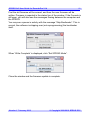
Click “Continue Anyway” and wait for the installation to complete.
Version 1.7 January 2012
© Copyright 2008-2012 SPROG DCC