1
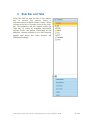
4. The “New” Button
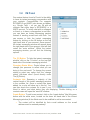
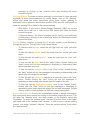
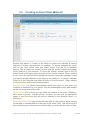
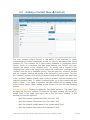
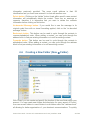
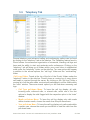
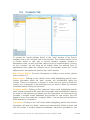
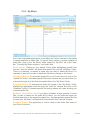
To compose a new e-mail, create a new event, add a new contact, or create a
new folder in the e-mail archive, click on the “new” button, found in the upper left
hand side of the main Pronto! interface and select the appropriate option. A new
window will open in front of the “main window” where you can manage the
desired content.
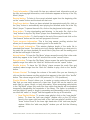
4.1. E-mail Composition (New Æ E-mail)
The core function of Pronto! is the ability to send and receive electronic
communications. If you want to have a “paper record” or a running log of the
conversations with contacts, choose to contact them via e-mail instead of instant
messaging or the phone. E-mail can be checked at any time, at any place as long
as the appropriate connection exists, along with the security measures found in
Pronto! User Guide – Pronto! v2.7 CommuniGate Pro 5.2.10 | 22nd Dec. 2008 26 of 80