1
Adding GEL Functions to the GEL Menu Using Keywords
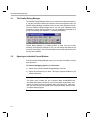
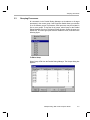
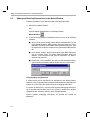
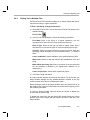
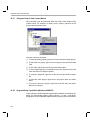
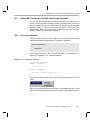
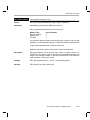
When you use the InitTarget command, the Function: InitTarget dialog box
prompts you for the start and end addresses.
When you enter values into the entry fields, click Execute to call the GEL
function with these parameters.
12.6.3
The slider Keyword
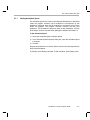
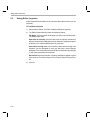
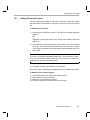
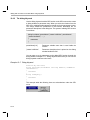
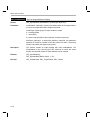
You can also use the slider keyword to add a GEL function to the GEL menu.
When you select the function from the GEL menu, a slider object appears to
control the value passed to the GEL function. Each time you move the
position of the slider, the GEL function is called with a new parameter value
reflecting the new position of the slider. You can only pass one parameter to
a slider GEL function. The format of a slider GEL function is as follows:
slider param_definition( minVal, maxVal, increment, pageIncrement,
paramName )
{
statements
}
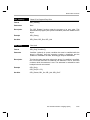
param_definition Parameter description that is printed on the slider object.
minVal
An integer constant specifying the value to be passed to
the function when the position of the slider is at its lowest
level.
maxVal
An integer constant specifying the value to be passed to
the function when the position of the slider is at its highest
level.
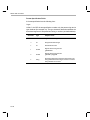
increment
An integer constant specifying the increment added to the
value each time the slider is moved one position.
pageIncrement
An integer constant specifying the increment added to the
value each time the slider is moved by one page.
paramName
Parameter definition that is used inside the function.
The General Extension Language (GEL)
12-13