1
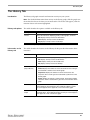
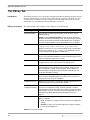
The Firewall Tab
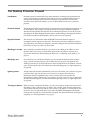
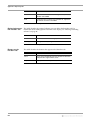
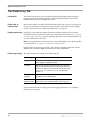
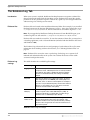
Desktop Protector rejects or blocks communications on port 139. On Windows 2000, this
setting also affects port 445.
Allow NetBIOS
Neighborhood
Select this option to allow your system to appear in the Network Neighborhood of other
computers.
Clear this option to hide a computer from the Network Neighborhood. Hiding your
system does not disable file sharing, but users must locate the computer manually using
its IP address.
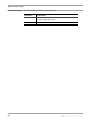
Note: This option modifies the firewall setting for UDP ports 137 and 138. If you select
this option, Desktop Protector accepts communications on these ports; if you disable this
option, Desktop Protector rejects or blocks communications on these ports.
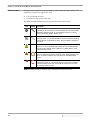
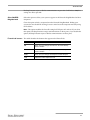
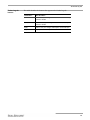
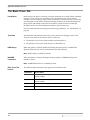
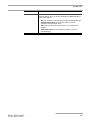
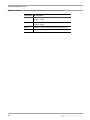
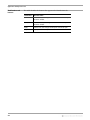
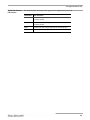
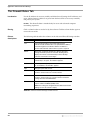
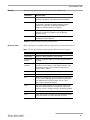
Firewall tab buttons This table describes the buttons that appear on the Firewall tab.
This button...
Has this effect...
OK
Click to save your changes and return to the main Desktop
Protector window.
Cancel
Click to discard your changes and return to the Desktop
Protector window.
Apply
Click to save your changes and keep the current tab open.
Help
Displays the online Help for this tab.
71