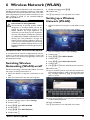
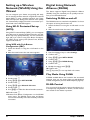
1
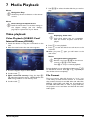
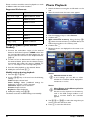
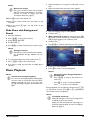
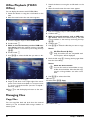
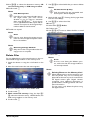
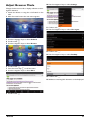
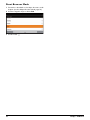
Notice Rotate the Image Using your thumb contact the touchpad and swipe with the forefinger in a circular manner to rotate an image (see also Touchpad / Gestures, page 7). 1 Switch the device on using the on/off switch on the side. 2 After the initial screen the main menu appears. 10 Press T to pause the slide show. 11 Press ¿ to end the slide show and return to the overview. 12 When you press ¿ again, you will return to the main menu. Slide Show with Background Sound 1 2 3 4 5 Start the slideshow. Press /, to open the menu bar. Using À/Á select Ó. Confirm with à. Use / to select the file that you wish to play. 3 Use the navigation keys to select Music. 4 Confirm with à. 5 With connected memory: Using the keys / select the internal memory, a DLNA device, the USB storage medium or the memory card. 6 Confirm with à. 7 Use / to select the file that you wish to play. Notice Storage Location Only files from the internal memory/Memory Card/USB Storage Medium can be played. 6 To start the background sound confirm with à. 7 Press / to adjust the volume level. 8 If no input is made, the menu bar is hidden after 5 seconds. Music Playback 8 Press à to start playback. 9 Press T to stop or continue playback. Notice Notice Navigating when Image Playback is Switched off Press / to skip to the previous or next song. Press T to stop or continue playback. Press ¿ to return to the selection. Switch off the Image Playback You can turn off image playback while playing music in order to save power (see also Music settings, page 34). As soon as you press the ¿ key, the image reappears and the fan starts again. During playback you can adjust the volume using / on the remote control. Press or repeatedly to shut off the volume completely. Notice Touchpad / Gestures Swipe left and right on the bottom edge of the touchpad to adjust the volume. Swipe over the touchpad with two fingers to rewind and fast forward (see also Touchpad / Gestures, page 7). Media Playback 24