1
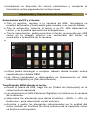
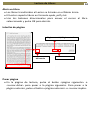
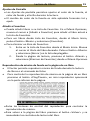
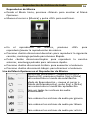
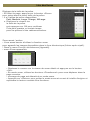
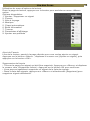
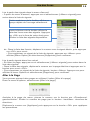
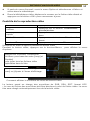
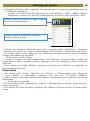
Reading Books 15 Display Settings To adjust font color, background color, brightness during reading. Change of font color and background color are only applicable to txt and epub documents. Add to Favorite You can add books to your Favorite List. In Option menu, move the cursor to [Add to Favorite] to add current book into Favorite List. To view books in Favorite List, from Home Menu, press <Menu> button and select [Favorite]. To remove book from Favorite: 3. Enter Favorite List from Home menu. Move the cursor to the desired book title. Press <Menu> button and select [Delete] from the dropdown list. 4. From reading page, press <Menu> button and select [Remove from Favorite] from the Option Menu. Background Music Playback in Book page The reader supports background music playing when reading books or viewing photos. To control music playback in book page, press <Play/Pause> button and a mini music player control bar will appear at the bottom of the page. Press the music control buttons to control music playback. To return to book page, press <Return> button and resume normal book reading controls.