1
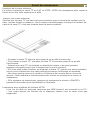
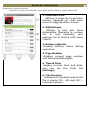
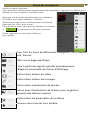
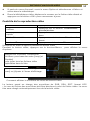
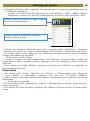
Viewing Picture 18 Gentle Reminder: Please organize the pictures into a specific folder a for the ease of navigation. From Home Menu, press <Menu> to display Option Menu. Move the cursor to [Photo] and press <OK> button to confirm. Upper window displays a quick preview of the selected photo Lower window displays the file list in the reader. Use the <Directional> buttons to navigate through the files/folders. Press <OK> on the selected photo to view a full screen display. In full screen mode, press <Directional-Left/Right> to view previous and next picture. Zoom In/Out Picture There are 3 zoom levels available. To zoom in picture, in full screen mode, press <Zoom> button to change different zoom level. To return to original size, press <Return> button and resume normal operation. Slideshow In full screen mode, press <Menu> [Slideshow] to start. To stop slideshow, press <Menu> button once. From the drop down menu, select [Slide Time] to adjust slideshow duration. Thumbnail view In full screen mode, press <Menu> [Thumbnail] to view pictures in thumbnail mode. To exit thumbnail view, press <Menu> once to return to full screen mode.