1
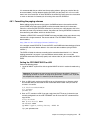
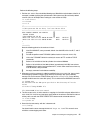
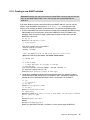
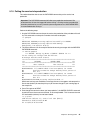
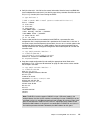
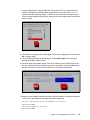
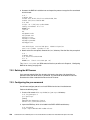
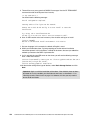
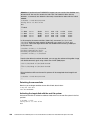
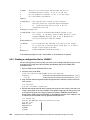
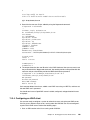
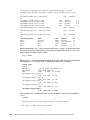
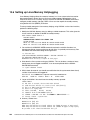
This command failed, because XliveCD requires an explicit command to allow remote hosts
to connect to it. When the command xhost + (plus means to add authorized hosts) is run,
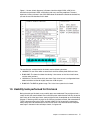
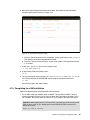
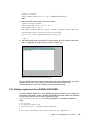
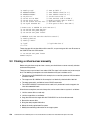
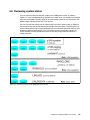
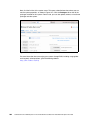
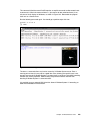
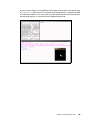
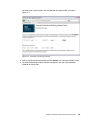
xclock can finally display on Windows, as shown in Figure 13-2. Remember the program
itself runs on a remote Linux.
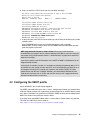
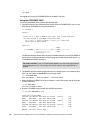
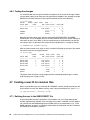
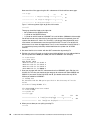
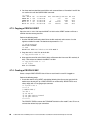
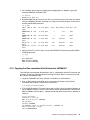
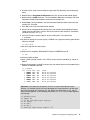
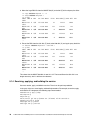
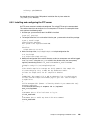
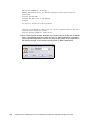
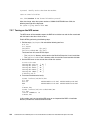
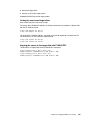
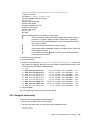
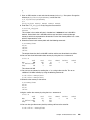
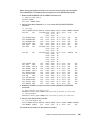
Run the following command again. You should get a positive output this time.
gpok224:~ # xclock &
[1] 21915
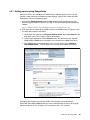
Figure 13-2 Manual setting of DISPLAY variable
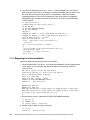
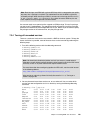
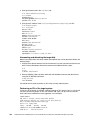
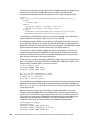
The xhost + command allows any host to access the X Window System server. From a
security point of view, this may not be a good idea. Even allowing just specific hosts is not
enough, because the X Window System 11 protocol itself is not secure. Using SSH tunneling
removes this security exposure. SSH tunneling also prevents firewalls and NAT from
breaking X Window System 11 communications.
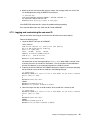
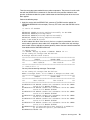
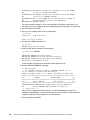
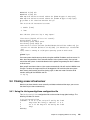
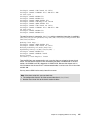
It is possible to use an external SSH client that allows X Window System 11 forwarding, or
SSH client embedded in XliveCD itself.
Chapter 13. Miscellaneous tasks
233