1
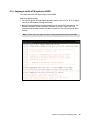
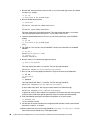
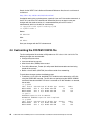
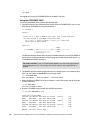
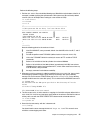
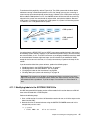
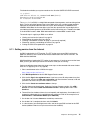
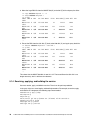
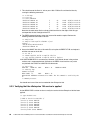
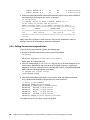
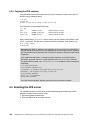
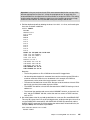
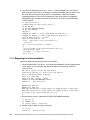
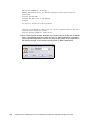
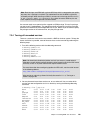
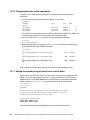
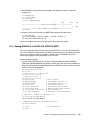
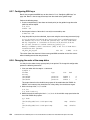
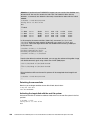
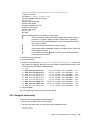
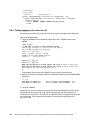
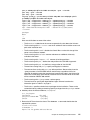
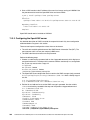
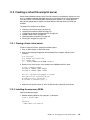
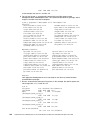
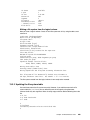
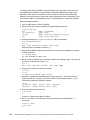
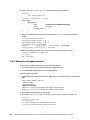
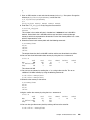
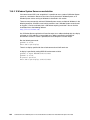
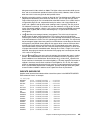
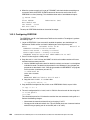
The modified lines should be as follows. Save your changes with the FILE subcommand:
*
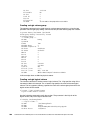
Following command activates VMCF data retrieval interface
FC MONCOLL VMCF ON
*
Following command activates Internet interface
FC MONCOLL WEBSERV ON TCPIP TCPIP 80
*
Following command activates Internet interface with SSL
*C MONCOLL WEBSERV ON SSL TCPIP TCPIP 81 IDTEST RACF
...
====> file
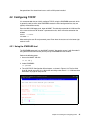
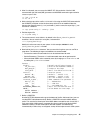
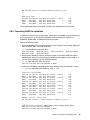
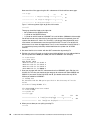
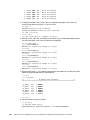
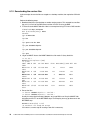
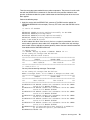
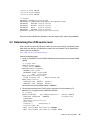
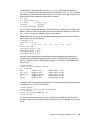
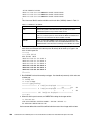
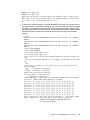
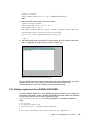
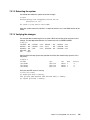
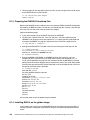
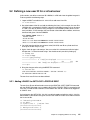
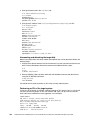
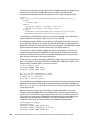
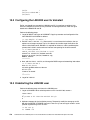
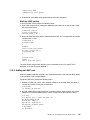
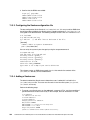
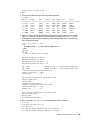
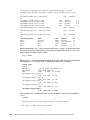
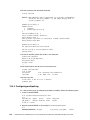
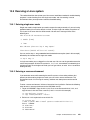
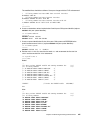
6. Create a remote data retrieval authorization file with your z/VM system identifier (replace
POKSND61 with your system identifier):
==> x fconrmt authoriz
====> a 2
POKSND61 PERFSVM S&FSERV
POKSND61 MAINT
DATA CMD EXCPMSG
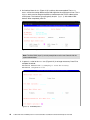
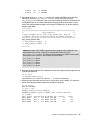
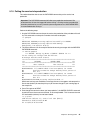
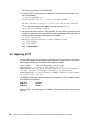
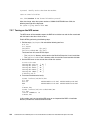
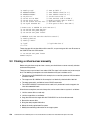
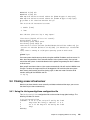
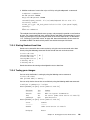
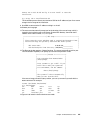
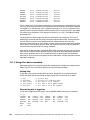
7. Create a system identification file that links your z/VM system and PERFSVM to the
special resource name FCXRES00 (replace POKSND61 with your system identifier):
==> x fconrmt systems
====> a
POKSND61 PERFSVM ESA
N
FCXRES00
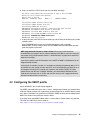
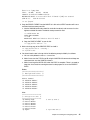
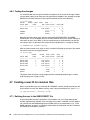
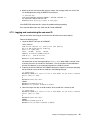
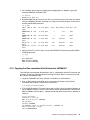
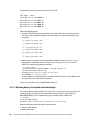
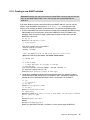
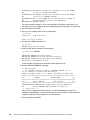
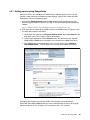
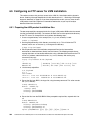
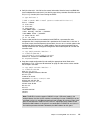
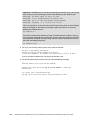
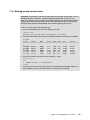
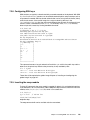
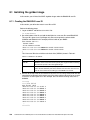
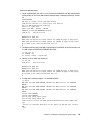
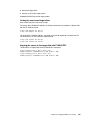
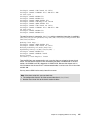
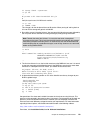
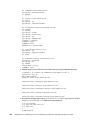
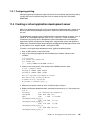
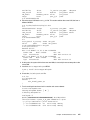
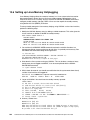
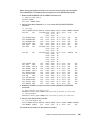
8. Edit the PROFILE EXEC file, search for the word once and uncomment the five MONITOR
SAMPLE and the two MONITOR EVENT statements:
==> x profile exec a
====> /once
Before:
...
/*** Once you have PERFKIT enabled and running uncomment the
/*** following comments
/* 'CP MONITOR SAMPLE ENABLE PROCESSOR'
*/
/* 'CP MONITOR SAMPLE ENABLE STORAGE'
*/
/* 'CP MONITOR SAMPLE ENABLE USER ALL'
*/
/* 'CP MONITOR SAMPLE ENABLE I/O ALL'
*/
/* 'CP MONITOR SAMPLE ENABLE APPLDATA ALL' */
/* 'CP MONITOR EVENT ENABLE STORAGE'
*/
/* 'CP MONITOR EVENT ENABLE I/O ALL'
*/
'PERFKIT'
/* Invoke the PERFKIT module
***/
***/
@FC012BD*/
Exit
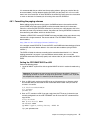
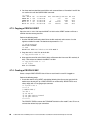
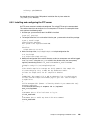
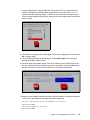
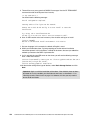
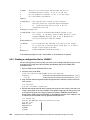
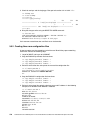
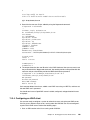
After:
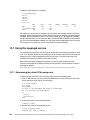
...
/*** Once you have PERFKIT enabled and running uncomment the
/*** following comments
'CP MONITOR SAMPLE ENABLE PROCESSOR'
'CP MONITOR SAMPLE ENABLE STORAGE'
'CP MONITOR SAMPLE ENABLE USER ALL'
'CP MONITOR SAMPLE ENABLE I/O ALL'
'CP MONITOR SAMPLE ENABLE NETWORK'
'CP MONITOR SAMPLE ENABLE APPLDATA ALL'
'CP MONITOR EVENT ENABLE STORAGE'
'CP MONITOR EVENT ENABLE I/O ALL'
***/
***/
Chapter 14. Monitoring and tuning z/VM and Linux
247