1
all.book
Page 94 Wednesday, November 12, 2003
9:50 AM
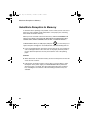
Blocking Reception of Unwanted Faxes
Blocking Reception of Unwanted Faxes
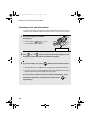
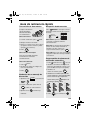
The Anti Junk Fax function allows you to block reception of faxes from a party
that you specify. This saves paper by not printing out unwanted "junk" faxes.
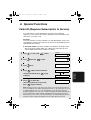
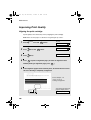
To use this function, follow the steps below to enter the fax number from which
you do not wish to receive faxes. One fax number can be entered.
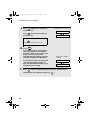
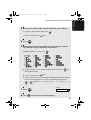
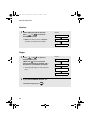
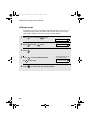
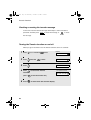
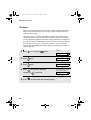
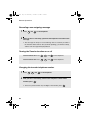
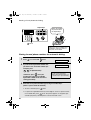
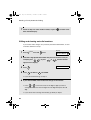
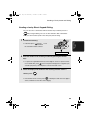
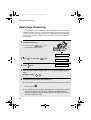
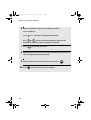
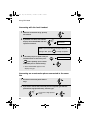
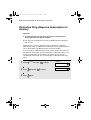
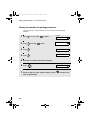
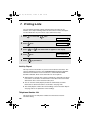
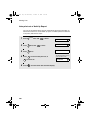
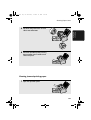
1
Press
FUNCTION
once and
3 times.
Display:
ENTRY MODE
94
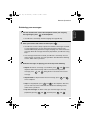
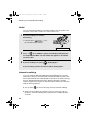
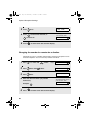
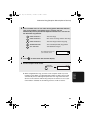
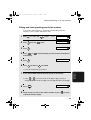
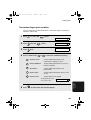
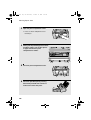
2
Press
once and
3
Press
once.
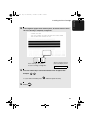
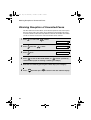
4
Press
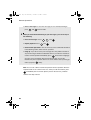
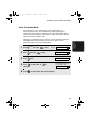
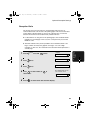
5
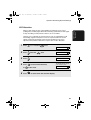
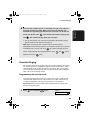
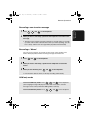
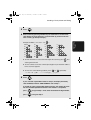
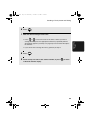
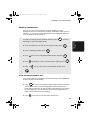
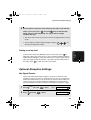
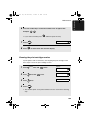
Enter the fax number by pressing the number keys (max. 20 digits).
6
Press
3 times.
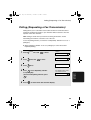
ANTI JUNK #
1=SET, 2=CLEAR
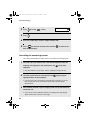
1 to store an Anti Junk number, or 2 to clear a previously
stored number (if you are clearing a number, go to Step 6).
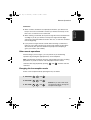
START/
MEMORY
and then press
STOP
to return to the date and time display.