1
Multi-Tech FaxFinder Quick Start
Server Installation
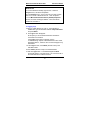
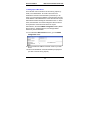
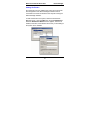
9. Changing Admin’s Server Password
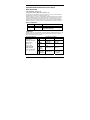
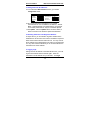
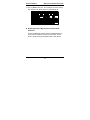
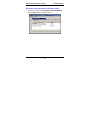
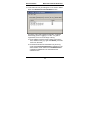
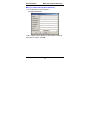
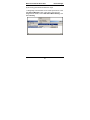
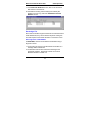
a. In the Password Administration screen, enter a new
Password for the FaxFinder Administrator (something other
than “admin”). This password is to be used in that person’s
capacity as administrator. Then re-enter the password in
the “Confirm Password” field. Passwords can be as short as
1 character, as long as 40 characters, and are casesensitive.
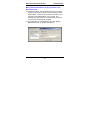
Notes: 1. Changes to any “User ID” must be done in the
Phone Book screen.
2. As a default, the FaxFinder software
automatically assigns as a password a string
that is identical to the ‘User ID’ string.
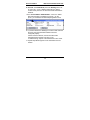
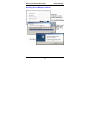
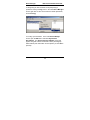
b. Click on Update for this row. The Login screen will appear.
Passw ord Administration
Name
User ID P assword
Pat-Admin
p at-a dmin
Pat Mu rphy
p atm
31
*** **
Confirm
P assword Function
* *** *
update
update