1
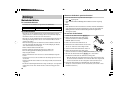
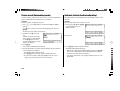
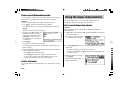
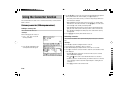
Reset procedure if trouble occurs
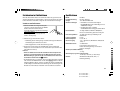
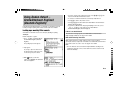
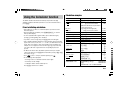
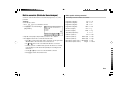
Specifications
Exposure to a strong physical shock or powerful electrical fields may render the
keys inoperable, to the point that the power cannot be switched on. If such case is
suspected, try following the procedure below.
Model:
PW-E310
Product name:
Electronic Dictionary
Reset procedures
Display:
159 × 80 dot matrix LCD
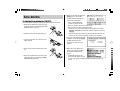
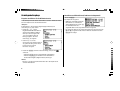
1. Press the RESET switch located on the bottom of
the unit, with the tip of a ball-point pen or similar
object. Do not use an object with a breakable or
sharp tip.
Number of entries:
• Duden-Oxford – Großwörterbuch Englisch:
Approx. 300,000 glossary words/idioms and approx.
470,000 translations.
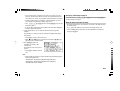
The message ‘Möchten Sie das System neu
starten?’ appears.
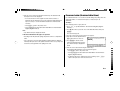
2. Press J to initialize the unit.
• A message ‘Bereit!’ is momentarily displayed, followed by the LCD contrast
adjustment screen.
• If N is selected, then the unit will not be initialized.
3. Follow the instructions on the screen to adjust the LCD contrast, as well as to set
the key sound on/off configuration (see steps 7 to 8 of the procedure on page E3.)
• New Oxford Thesaurus of English:
Approx. 600,000 alternative and opposite words.
Calculator function:
12-digit calculation of addition, subtraction,
multiplication, division, percentage, memory
calculation, etc.
Converter function:
12-digit conversion of currency and measurement
Power consumption:
0.11 W
Operating temperature:
0°C - 40°C (32°F - 104°F)
– (DC): Alkaline battery LR03 (size “AAA”) × 1
1.5 V …
Power supply:
Battery life:
Approx. 200 hours
If data is continuously displayed at 25°C (77°F)
Note: May vary according to various usage conditions
Note:
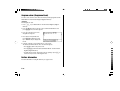
• The reset procedure will clear the History list, and Calculator's memory, as
well as to reset the Currency converter and the Set-up menu configurations. To avoid these, you may press N at step two of the above.
Weight (including battery): Approx. 148 g (0.33 lb)
• Occasionally when corruption of data etc. occurs, the reset procedure may
automatically be initiated upon pressing of the RESET switch or the o
key. When this occurs, the message ‘Bereit!’ will be displayed, followed by the
LCD contrast screen. Follow the instructions on the LCD contrast, as well as to
set the key sound on/off configuration.
Accessories:
Dimensions (when closed): 125 mm (W) × 79.4 mm (D) × 16.8 mm (H)
4-29/32" (W) × 3-1/8" (D) × 21/32" (H)
Alkaline battery LR03 (size “AAA”) × 1,
operation manual
E-31
0123456789.,
0123456789.,
0123456789.,