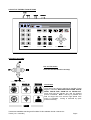
1
TO PROGRAM THE PATROL DELAY
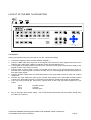
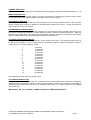
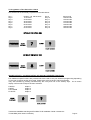
First, determine the time delay required from the table below:
Pre-set Key 1
Pre-set Key 2
Pre-set Key 3
Pre-set Key 4
Pre-set Key 5
Pre-set Key 6
Pre-set Key 7
Pre-ser Key 8
-
Random switching from 0 to 100 seconds
12 Seconds switching
24 Seconds switching
36 Seconds switching
48 Seconds switching
60 Seconds switching
72 Seconds switching
84 Seconds switching
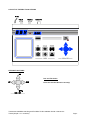
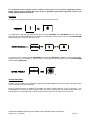
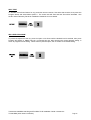
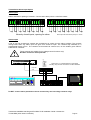
Press and release the pre-set key that corresponds with the delay desired, then press and hold
PROGRAM whilst pressing ZOOM OUT to set patrol 1 delay
Or
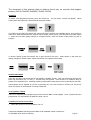
PROGRAM whilst pressing ZOOM IN to set patrol 2 delay
SPARE OUTPUTS
Depending on the receiver the spare output is used to provide additional outputs or used for advanced
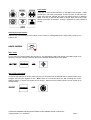
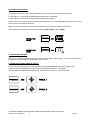
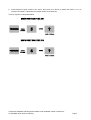
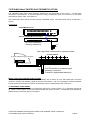
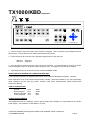
features with the Rx100 and RX45X/55X range. To activate, press and hold # whilst pressing pre-set key
1,2,3 or 4.
Tx300-400-1000MK2-1000 Keypad-Ex4 MK2-TxLD Installation Guide 12Jan05.doc
Tx400 (1-2-1 controller)
Page 12