1
Instruction Manual
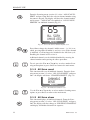
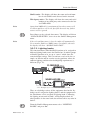
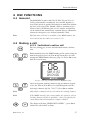
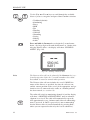
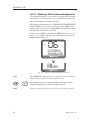
Adjusting horn volume – for single activation options use the
VOL ▲ / VOL ▼ keys (rotate the VOLUME control) while the PTT
is pressed. For automatic repeat options, press VOL ▲ / VOL ▼
(rotate the VOLUME control) while the display shows “HORN IN
USE”. Press the ON/C key to exit the Loudhailer/Foghorn mode.
Note
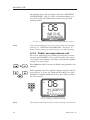
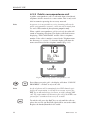
Ten seconds after the automatic horn is sounded the unit will
revert to normal radio operation, but the horn will continue to
sound.
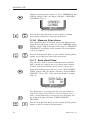
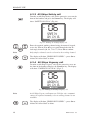
To cancel this mode at any time, press SHIFT followed by 5
(HAIL/FOG) again, then ON/C.
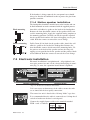
6.8 Station speaker mute
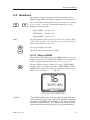
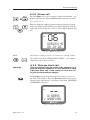
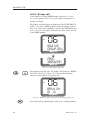
For complete silence at an operating position, the station speaker (including the handset speaker) can be muted.
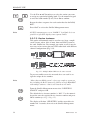
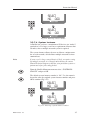
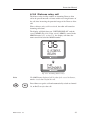
To mute the speaker, press SHIFT followed by 7 (SPEAKER) on
the specific handset that is used with the speaker.
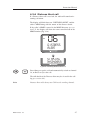
To disable mute, press SHIFT followed by 7 (SPEAKER) again,
the VOL ▲ and VOL ▼ keys (rotate the VOLUME control), or lift
the handset/fistmike from the cradle. If the system is powered
down, the speaker will be un-muted when the system is turned
on again.
Note
This will only affect the speaker that is used with this specific
handset – e.g. handset 1 will only mute the speaker connected to
the Station 1 terminals. To mute any other speakers on the system, it will be necessary to go to the relevant station and select
mute.
6.9 iDSC
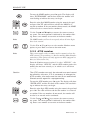
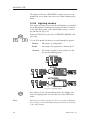
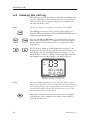
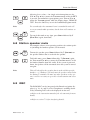
The RS86/RS87 can be integrated with Simrad navigation displays (e.g. 3x, 4x, and 5x series Chartplotters) enabling details
of any incoming DSC calls to be displayed on the unit.
➞ Refer to the instruction manual of the relevant unit for more
details.
➞ Refer to section 7.2.8 for interfacing details.
E04819 Issue 1.0
63