1
Quick Start
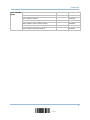
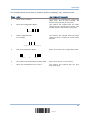
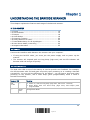
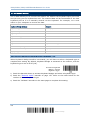
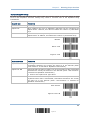
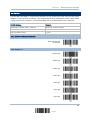
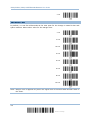
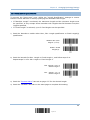
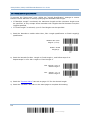
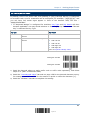
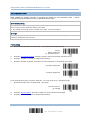
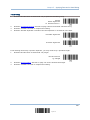
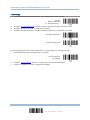
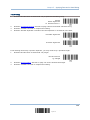
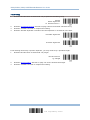
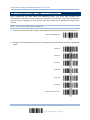
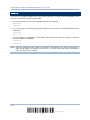
The example below shows how to set string parameters:
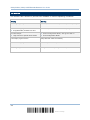
Steps
Action
User Feedback if Successful
1
Power on the scanner...
The scanner will respond with a long beep
(high tone) and its LED indicator will
become solid red and go off quickly.
2
Enter the Configuration Mode…
The scanner will respond with six beeps
(high-low tone repeats three times), and
its LED indicator will become solid green.
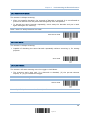
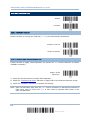
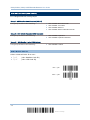
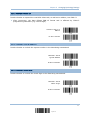
Enter Setup
3
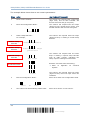
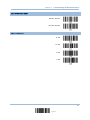
Read a Setup barcode...
The scanner will respond with one short
beep if reading a special setup barcode
such as “Prefix Code”, indicating the setup
requires reading more barcodes.
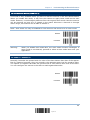
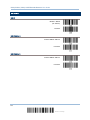
For example,
Special setup
barcodes
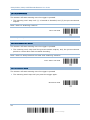
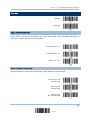
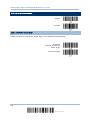
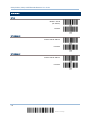
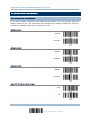
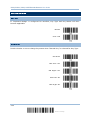
Prefix Code
<Normal>
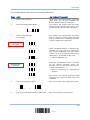
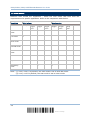
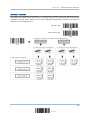
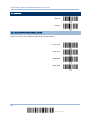
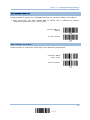
When “Keyboard Wedge” is configured for
interface, Key Type and Key Status will
then become applicable. You may decide
whether or not to change key status when
“Normal Key” is selected for Key Type.
Refer to Appendix III
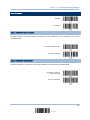
Add Left Alt
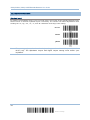
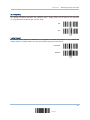
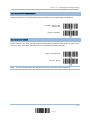
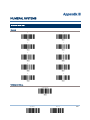
Hexadecimal
barcodes
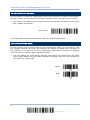
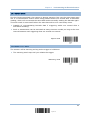
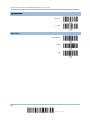
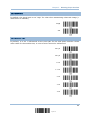
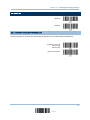
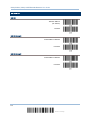
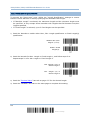
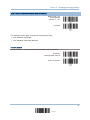
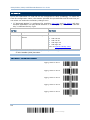
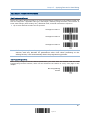
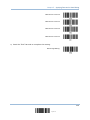
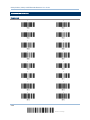
Read the “Hexadecimal Value” barcodes
for the desired character string. For
example, read “2” and “B” for the scanner
to prefix the character “+”.
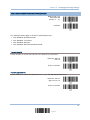
2
B
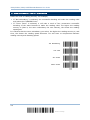
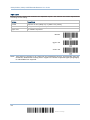
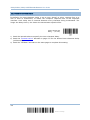
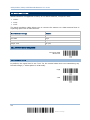
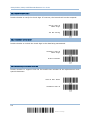
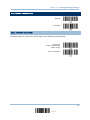
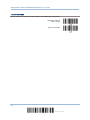
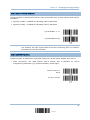
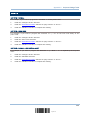
Validate
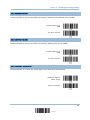
4
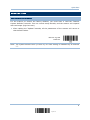
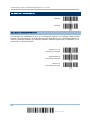
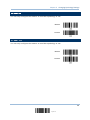
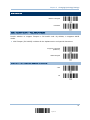
Exit the Configuration Mode…
Update
5
OR
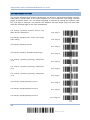
Refer to Appendix IV “Hexadecimal
System”
The scanner will respond with two beeps
(high-low tone) when the input values are
validated.
Same as for Enter the Configuration Mode.
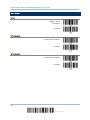
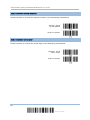
Abort
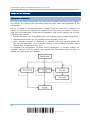
The scanner will automatically restart itself…
Same as for Power on the scanner.
13
Update