1
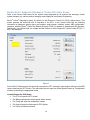
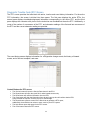
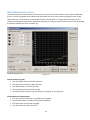
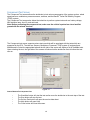
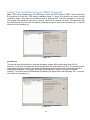
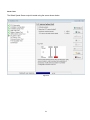
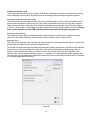
Diagnostic Trouble Code (DTC) Window‐ACB Sensor The DTC screen provides the technician with active and stored DTC information. For the active and stored DTC information, the windows are two tabs; switch between the two views by clicking on the tab. Each page has two panes: the first pane displays the DTCs; and the second pane displays troubleshooting/repair information corresponding to the DTC. The DTC window will display the SPN (Suspect Parameter Number), FMI (Failure Mode Identifier), Error Object, Failure Number, Description and Frequency Counter (number of occurrences the fault). Figure 39 Control Buttons for DTC window • • • • • • The Read button will refresh the DTC information from the ECU The Clear button will clear the information from the tab The Report button opens a page to allow the technician to input data about the ECU and then allows the technician to save, email or print a DTC report The Service button opens the service data The HELP button opens help page for DTC The Close button will close the window 36