1
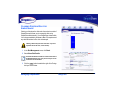
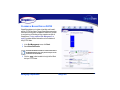
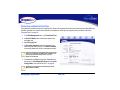
SETTING UP EMAIL ALERT NOTIFICATION
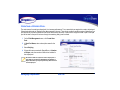
Email Notification allows SimpleShare to inform network users of system error conditions through e-mail messages.
Before setting up E-mail Alert Notification on SimpleShare,
make sure your network’s SMTP server is set up and can be
accessed SimpleShare.
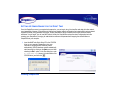
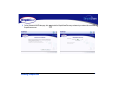
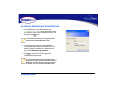
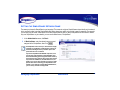
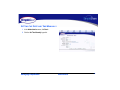
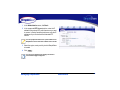
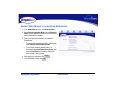
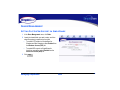
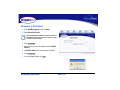
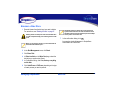
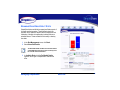
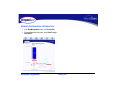
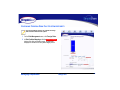
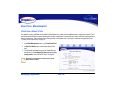
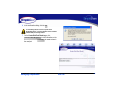
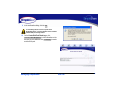
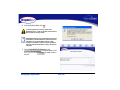
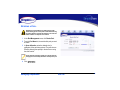
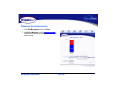
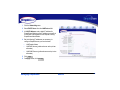
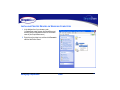
1 In the Administration menu, click Alerts/Logging.
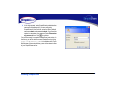
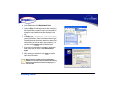
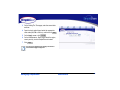
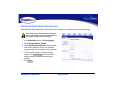
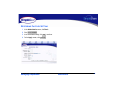
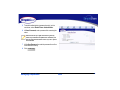
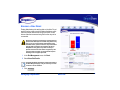
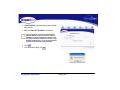
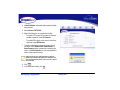
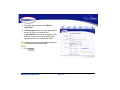
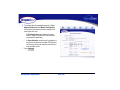
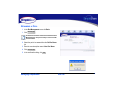
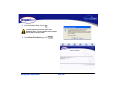
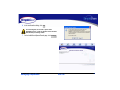
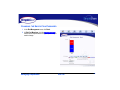
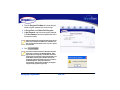
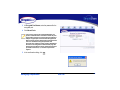
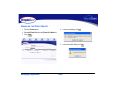
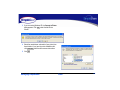
6 To verify that email alert notification is working properly,
click Send Test E-Mail , then confirm that the email
recipients received the test alert notice.
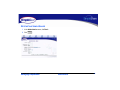
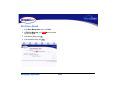
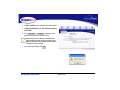
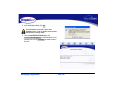
7 Click
Apply
.
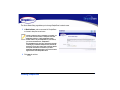
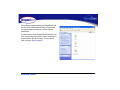
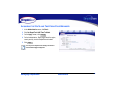
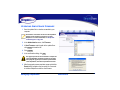
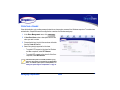
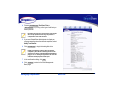
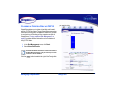
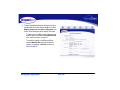
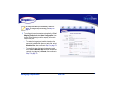
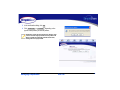
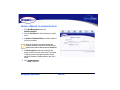
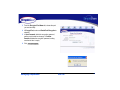
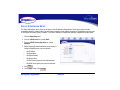
2 Select Email Notification Enabled.
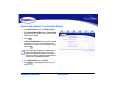
3 In Error Handling SMTP Server, enter the IP address
or hostname of the SMTP server on your network.
If you don’t know the IP address or hostname of your SMTP
server, check the configuration of the e-mail program on
your computer. Use the same SMTP server IP address or
hostname that it uses.
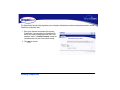
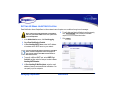
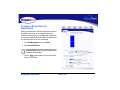
4 To specify a different SMTP port, select SMTP Port
Override, and then enter the new port number in Error
Handling SMTP Number.
5 In Error Handling E-Mail Recipients, enter the email
address of users to receive email alert notifications. You
can specify up to five recipients.
Managing SimpleShare
Administration
28