1
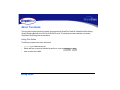
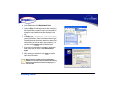
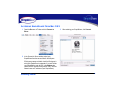
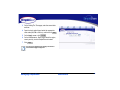
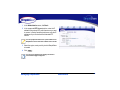
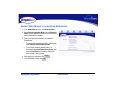
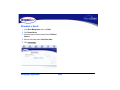
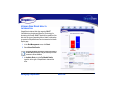
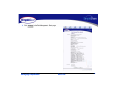
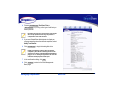
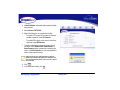
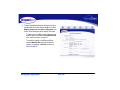
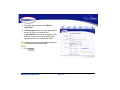
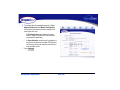
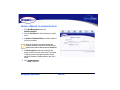
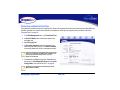
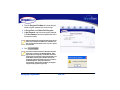
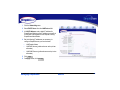
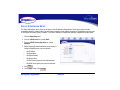
5 To configure the pool manually, select Manual
Configuration.
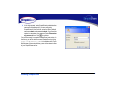
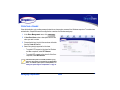
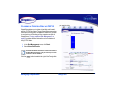
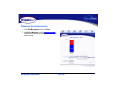
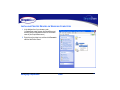
6 In Disk Assignment, select the drive to store the Base
pool and the drive to store the Mirror pool.
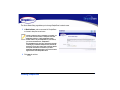
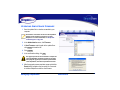
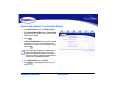
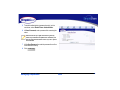
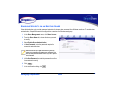
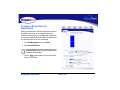
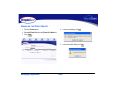
7 In Space Allocation, enter the size (in gigabytes) of the
Base pool. The pool size can be set by entering the
capacity in the text box or using the slider control.
When entering the size of the Base and Mirror manually, you
must enter the same value for each disk.
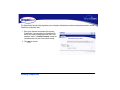
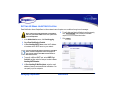
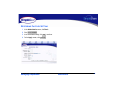
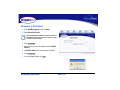
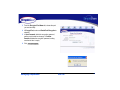
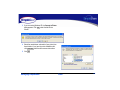
8 Click
Create Pool .
Managing SimpleShare
Disk Pool
69