1
all.book
Page 44
Friday, May 31, 2002
9:49 AM
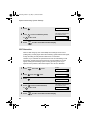
Transferring Calls
5
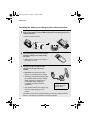
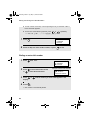
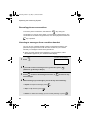
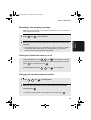
Talk with the other person. When you are ready to end the conversation,
replace the handset.
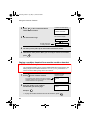
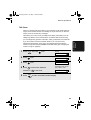
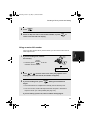
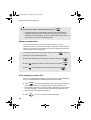
If a call comes in while the Intercom feature is being used
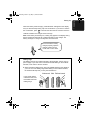
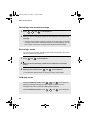
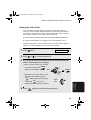
If an outside call comes in while you are using the Intercom feature, the
person who wishes to take the call should first stop the Intercom call (press
OFF
OFF
on the cordless handset or replace the fax machine handset), and then
answer the outside call (press any key except
OFF
OFF
on the cordless handset
or pick up the fax machine handset).
Transferring Calls
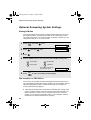
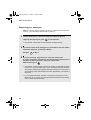
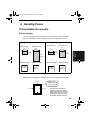
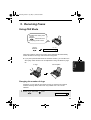
You can transfer a call to the fax machine or to a cordless handset.
Note: It is not possible to talk to the recipient of a transfer call before
transferring.
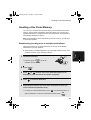
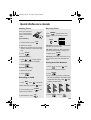
Transferring a call from a cordless handset to the fax
machine or to another cordless handset
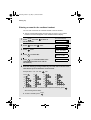
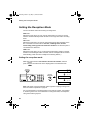
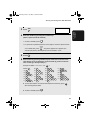
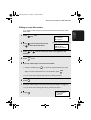
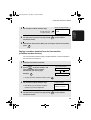
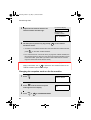
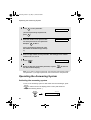
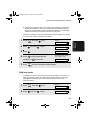
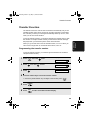
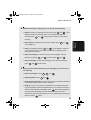
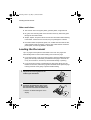
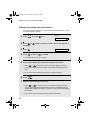
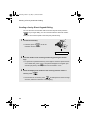
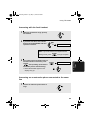
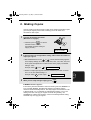
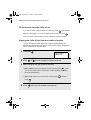
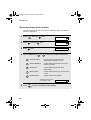
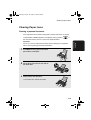
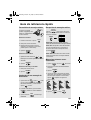
1
During the call, press
INTER
COM
on the
cordless handset.
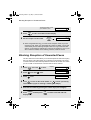
• The call is placed on hold.
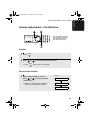
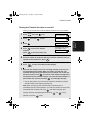
Cordless handset
display example:
2: BILL
3: SUE
4:
The numbers and names of the other cordless
handsets appear (even the numbers of
cordless handsets that are not registered)
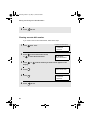
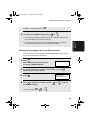
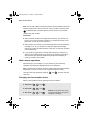
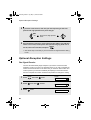
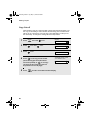
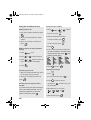
2
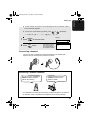
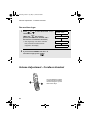
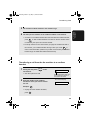
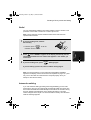
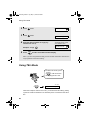
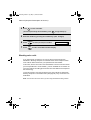
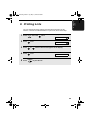
To transfer the call to the fax machine,
press 0 .
To transfer the call to a cordless
handset, enter the number of the
handset.
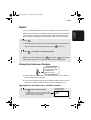
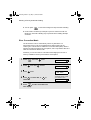
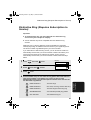
• To page the fax machine and all
cordless handsets, press
44
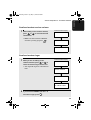
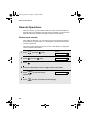
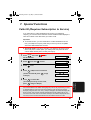
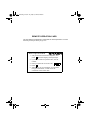
CALL TRANSFER
CALL TRANSFER
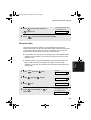
The fax machine and cordless
handsets all show the above
message, regardless of which
is selected.