1
all.book
Page 32
Friday, May 31, 2002
9:49 AM
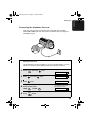
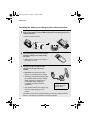
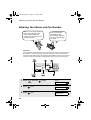
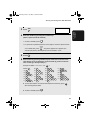
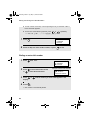
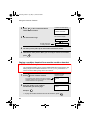
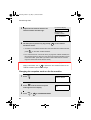
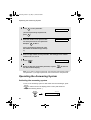
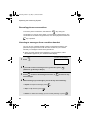
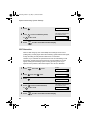
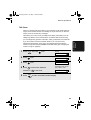
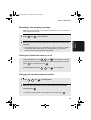
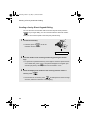
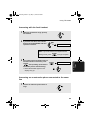
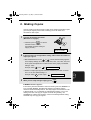
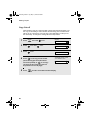
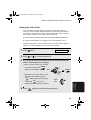
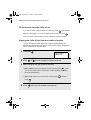
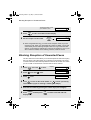
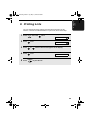
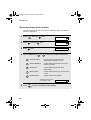
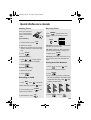
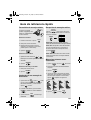
Volume Adjustment - Cordless Handset
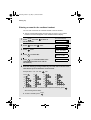
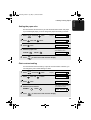
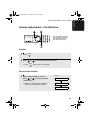
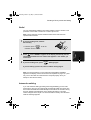
Fax machine ringer
1
Press
or
volume level.
to select the desired Display:
RINGER: HIGH
SPEAKER
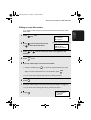
(Make sure
has not been
pressed, the handset is not lifted, and a
document is not loaded in the feeder.)
• The ringer rings once at the selected
level, and then the date and time
reappear in the display.
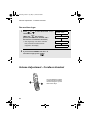
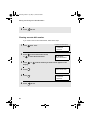
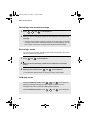
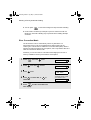
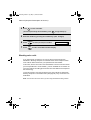
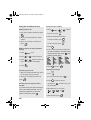
2
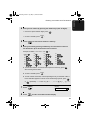
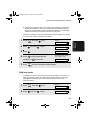
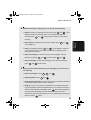
RINGER: MIDDLE
RINGER: LOW
RINGER: OFF OK ?
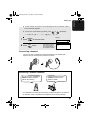
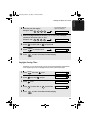
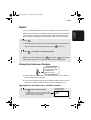
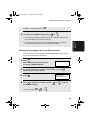
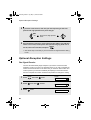
If you selected “RINGER: OFF OK ?” to
turn off the ringer, press
START/MEMORY
.
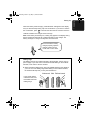
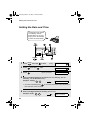
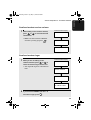
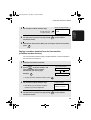
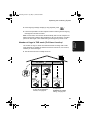
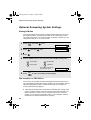
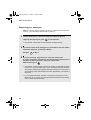
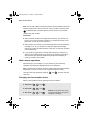
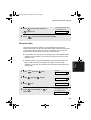
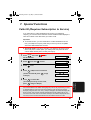
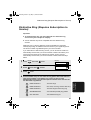
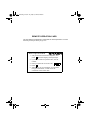
Volume Adjustment - Cordless Handset
You can adjust the volume
of the ringer and handset,
receiver using the up and
down arrow keys.
32