1
Tracking Your Employees
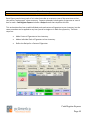
Employee Maintenance – Adding & Modifying Employees
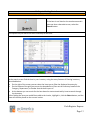
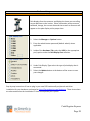
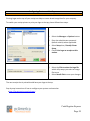
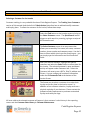
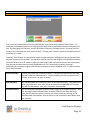
It’s important to track your employees and
configure functions they have access to
within your point of sale system.
Employees and security, as well as job codes
and other employee settings, are configured
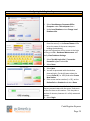
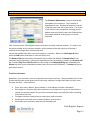
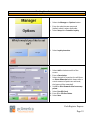
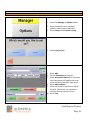
in the Employee Maintenance screen,
which can be accessed from the File Menu
of the Login Screen. A full tutorial of this
screen is in the built-in F1 help section;
below are some basic pointers to get you
started.
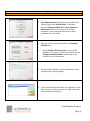
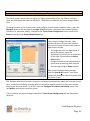
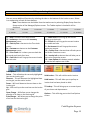
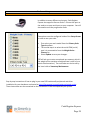
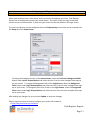
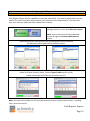
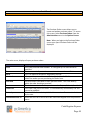
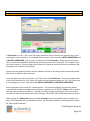
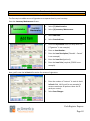
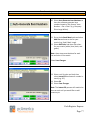
The basic steps of how to add an employee are introduced in step three in the 10 Steps to Getting
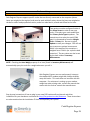
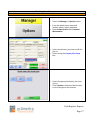
Started. Modifying an employee is just as simple; navigate to the employee you would like to modify
using the buttons in the bottom left corner of the screen, make edits to the specific employee and
select the Save Changes button to update the employee.
Swipe Cards and Security
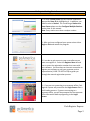
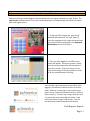
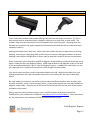
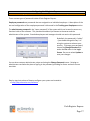
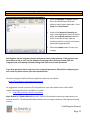
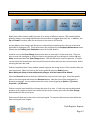
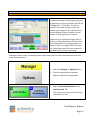
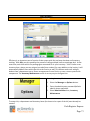
The fastest and most secure way to log an employee into the system is
to use a POS Access Card. Alternatively an employee can use a pin
number or their username and password, which is not as secure
because another employee may watch the login number typed in over
their shoulder. When an employee needs to log in or clock in\out of the
system or a manager needs to provide override permission, they can
simply swipe their card which is faster, easier and more secure than a
pin code or user name. POS Access cards can be purchased directly
from pcAmerica.
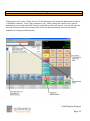
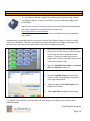
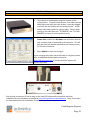
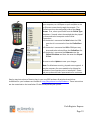
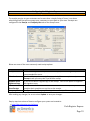
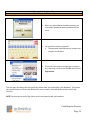
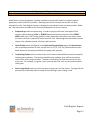
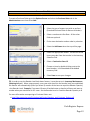
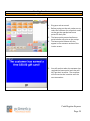
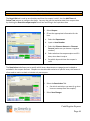
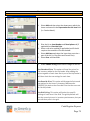
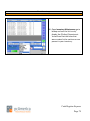
To assign a card, swipe the card into the Card Swipe ID field using the MSR.
NOTE: The Display Name for an employee will print on an invoice when they are the cashiers. If you
desire, fill this field in to make a more personalized receipt.
Cash Register Express
Page 79