1
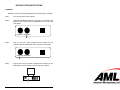
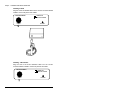
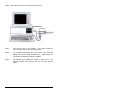
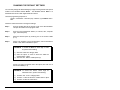
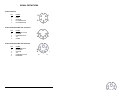
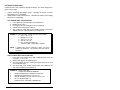
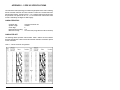
Step 6: Verify that the cables are connected as shown below:
Step 7:
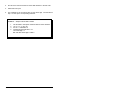
Turn ON the power to the computer. (The reader receives its
power from the computer just like the keyboard.)
Step 8:
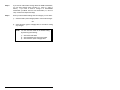
The "POWER" display light on the front panel of the reader will
display RED and the reader will BEEP twice. Approximately 1/2
second later the display will change to GREEN.
Step 9:
The GREEN color indicates the reader is ready to use. The
keyboard remains fully functional and you may enter data as
before.
4