1
5
TC1200 REFERENCE MANUAL
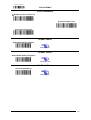
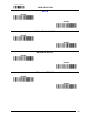
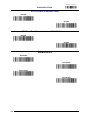
No Read String
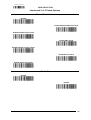
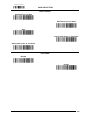
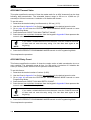
This defines the string to be displayed in case of No Read (On Line Mode only).
To set this feature:
1. Determine the desired character string (max 20).
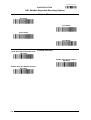
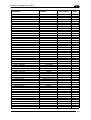
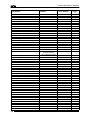
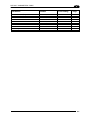
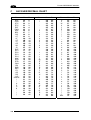
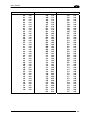
2. Use the Chart in Appendix C to find the hex equivalent(s) for the desired character(s).
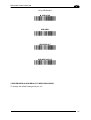
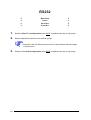
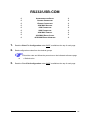
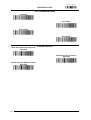
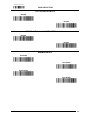
3. Go to page 61 and scan ENTER/EXIT PROGRAMMING MODE to enter Programming
Mode.
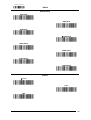
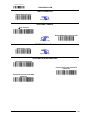
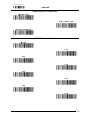
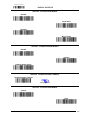
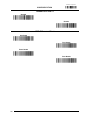
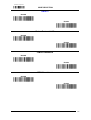
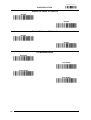
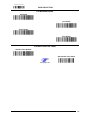
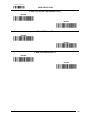
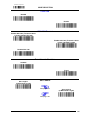
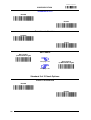
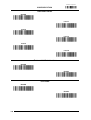
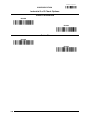
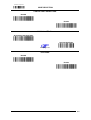
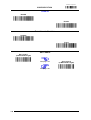
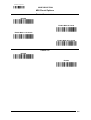
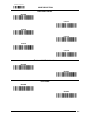
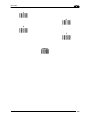
4. Scan the barcode: SELECT NO READ STRING.
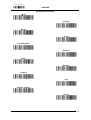
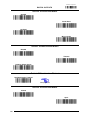
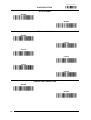
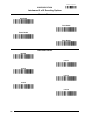
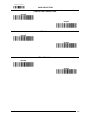
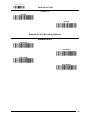
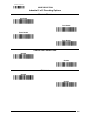
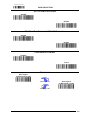
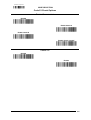
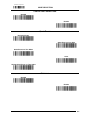
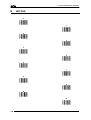
5. Scan the hex equivalent characters from the keypad in Appendix B that represent the
desired character string in step 1 above.
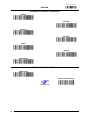
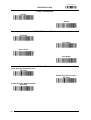
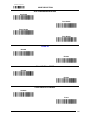
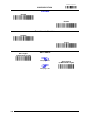
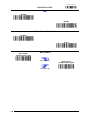
6. If less than the expected string of 20 characters are selected, scan the ENTER/EXIT
barcode to terminate the string.
7. Scan the ENTER/EXIT PROGRAMMING MODE barcode to exit Programming Mode.
This completes the procedure.
140