1
Repeat procedure for third number and press
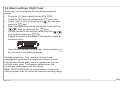
1.12 Leak Test
To carry out leak tests, proceed as follows:
• Press the MENU key once and scroll to the 'Leak'
function using the
key. Press ENTER
key to select.
ZERO
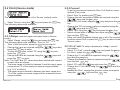
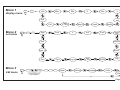
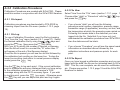
Presented with the leak test sub menu, the options 'Start' and
'Set Time' are given as shown below.
Leak Sub-menu
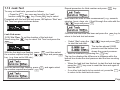
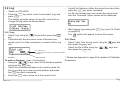
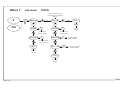
1.12.1 Set Time To set the duration of the leak test.
Scroll using the
key to select 'Set Time' and press the
ENTER
key.
ZERO
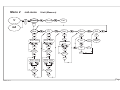
With the first digit now flashing, press
the number required using the
key. ( e.g. time set to 999 min.)
ENTER
ZERO
and then select
keys and press ENTER
ZERO
With the second digit flashing, press ENTER
and again select
ZERO
the number required and press ENTER
key.
ZERO
K0354, Iss. 1
ENTER
ZERO
key.
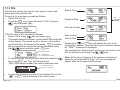
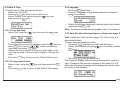
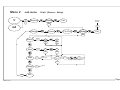
Now select the units of time measurement ( e.g. seconds,
minutes, hours, days, etc. ) Scroll through the units with the
keys and press ENTER
ZERO
Once the leak test time has been set press the
return to the leak test sub-menu.
•
Select 'Start' using the
to start the leak test.
MENU
key to
keys and press
ENTER
ZERO
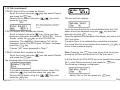
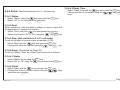
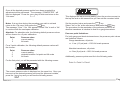
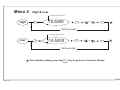
The top line shows 0.0000
pressure and the bottom line
shows the current pressure.
• Start the leak test by pressing the ENTER
key.
ZERO
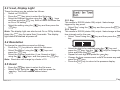
The top line displays the difference in pressure while the
bottom line shows the start pressure and the time counting
down.
• When the leak test has finished, to start the leak test again
ZERO
press the ENTER
key once to reset the time and again to
start the test.
• If no other leak test is to be carried out, press the MENU key
to return to the leak test sub-menu.
Page 17