1
Advanced Printer Management
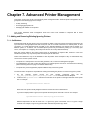
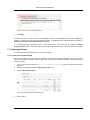
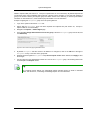
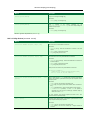
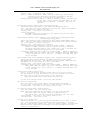
For more flexibility in filtering print jobs, one should consider the Advanced Scripting capability.
Advanced scripting allows filtering on more more attributes of a print job or combinations of attributes.
See Chapter 18, Advanced Scripting (Print Scripting) for more details.
7.8. Managing printer groups
Administrators use groups to manage large number of users. Groups are used for all manner of purposes such as
reporting, access control and management. PaperCut NG also offers the ability to group printers offering
administrators the same level of management advantages they get from user groups. Printer groups are most useful
for organizations with a medium to large number of devices.
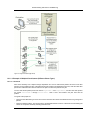
Printer groups allow administrators to tag or group printers by attributes. Group names are user definable and may
represent any attribute appropriate for printer management. Examples include printer type, location, make, function,
owner, age, etc. PaperCut NG's grouping is implemented using text based "tags" offering similar flexibility to that
seen in many modern online systems such as Flickr - the popular photo management website.
Some examples of where printer groups may be useful include:
•
Grouping by printer type allowing an organisation to compare volume on inkjets vs. laser printers.
•
Grouping by floor, departments, or work areas providing comparison reports to identify areas that may need
additional printers.
•
Quickly locate printers by attributes or tags defined by administrators.
•
Implement fine grained access control by ensuring administrators can only apply adjustments to devices under
their ownership/responsibility.
•
Facilitate group-level management of devices settings such as copying new rules, costs and policies between
like devices.
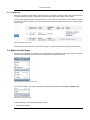
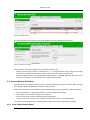
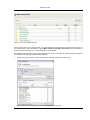
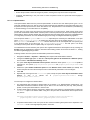
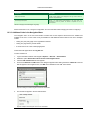
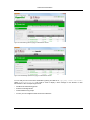
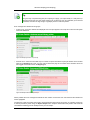
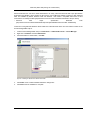
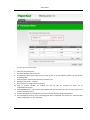
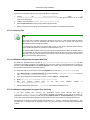
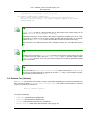
To group printers that support color output the admin will follow the following procedure:
1.
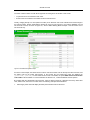
Locate and click a color printer via the Printers tab.
2.
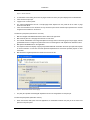
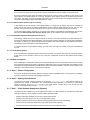
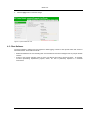
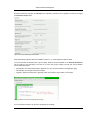
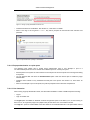
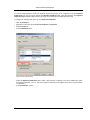
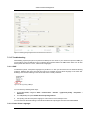
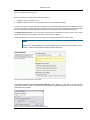
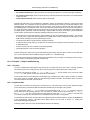
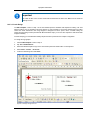
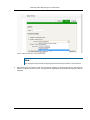
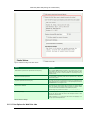
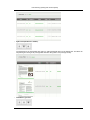
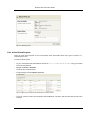
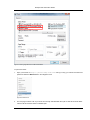
On the printer details screen scroll down to the Printer Groups/Tags section.
3.
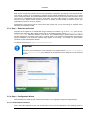
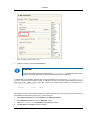
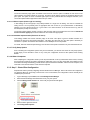
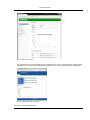
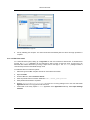
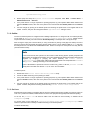
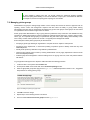
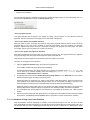
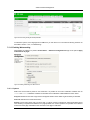
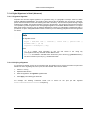
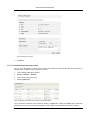
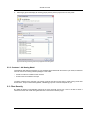
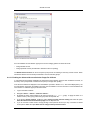
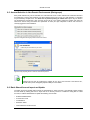
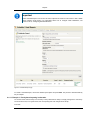
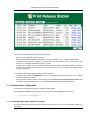
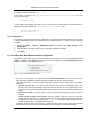
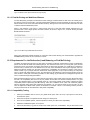
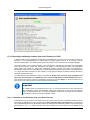
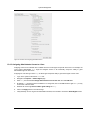
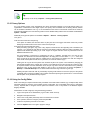
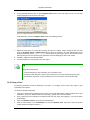
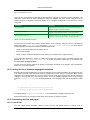
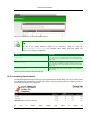
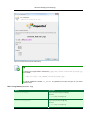
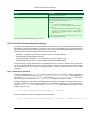
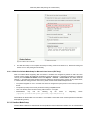
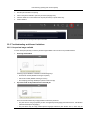
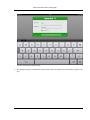
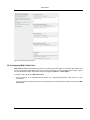
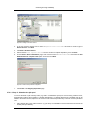
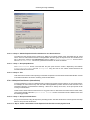
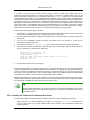
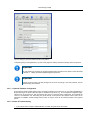
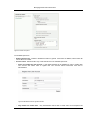
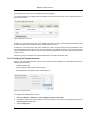
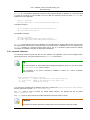
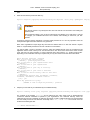
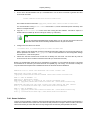
Enter an appropriate group name (tag) such as Type:Color. Read best practises in Section 7.8.1, “Suggested
best practises for naming printer groups”
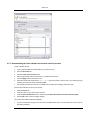
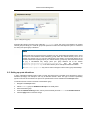
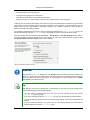
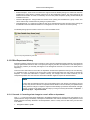
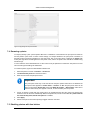
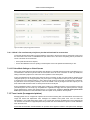
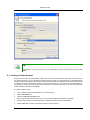
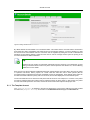
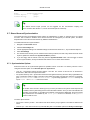
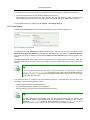
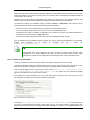
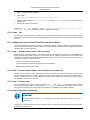
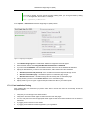
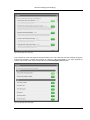
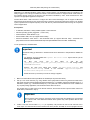
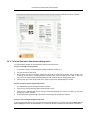
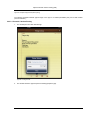
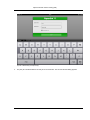
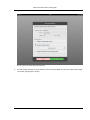
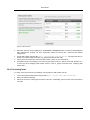
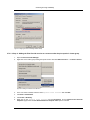
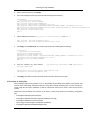
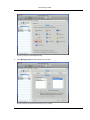
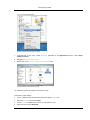
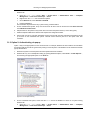
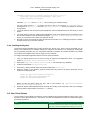
Figure 7.12. Adding a new printer group "Type:Color"
4.
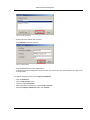
Click OK to save the change.
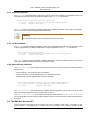
5.
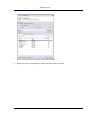
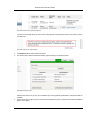
Repeat step 1 and 2 selecting another color device.
6.
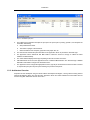
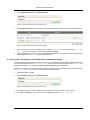
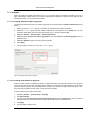
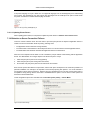
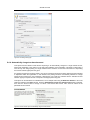
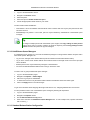
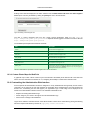
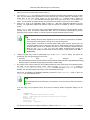
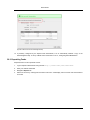
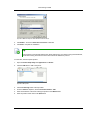
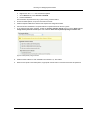
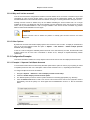
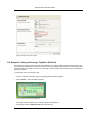
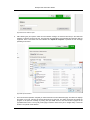
This time select Choose from recent groups and click Type:Color.
118