1
Managing Transactions
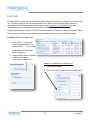
The final step in setting up a portfolio is adding transactions. FundProfiler lets you add single or
multiple buy and sell transactions and will display a complete transaction history. Transactions can be
added to both new investments and existing investments.
Accessing the Transaction Screen
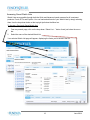
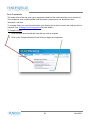
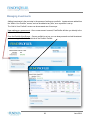
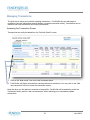
Transactions can easily be added from the “Portfolio Details” screen.
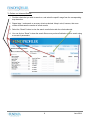
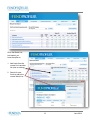
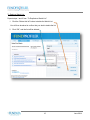
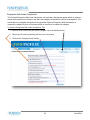
1. Click on the “down arrow” icon next to the investment name.
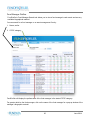
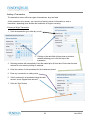
2. FundProfiler will display a transaction summary below that investment. You may click on the “Add
new transaction” button to access the transaction screen.
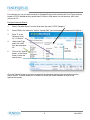
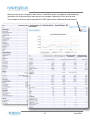
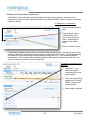
Note that when you first add an investment to the portfolio, FundProfiler will automatically reveal the
Transaction History and the “Add new transaction” button allowing you to immediately update
transactions.
33
June 2014