1
Wordfast Server manual
Version 1
The Activity tab
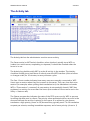
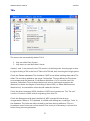
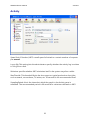
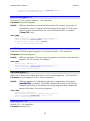
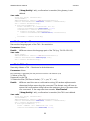
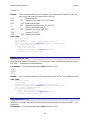
The Activity tab lets the administrator monitor server activity.
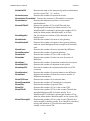
The Server active (or WFS active) checkbox, when checked, actually turns WFS on
(makes it an active server, responding to requests). It should be checked when the
server is in use.
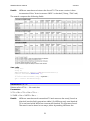
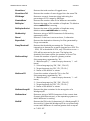
The Activity log checkbox tells WFS to echo all activity in the textbox. The Activity
checkbox actually turns itself down if nobody uses the WFS interface (clicks a button
or changes a tab) for 10 minutes, to save processor cycles.
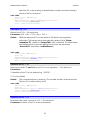
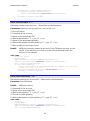
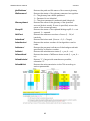
The Sess. Count number indicates how many users are currently connected to WFS.
Users open a session when they first connect to the server. They can close their own
session (for example, when quitting their translation tool, the translation tool sends
WFS a "Close session" command). A user session is automatically closed if WFS has
registered no activity for more than five hours (the number of hours can be set in the
Setup > Sessions tab).
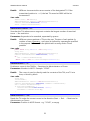
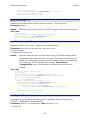
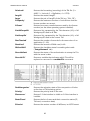
The Queue progress bar indicates the state of the FIFO queue run by WFS to process
incoming requests sent by clients. The priority value associated with an account in the
Accounts tab sets the account's priority in the queue. It is advised to give human
translators a high priority (closer to 10) because they typically send 2 to 10 translation
requests per minute, needing immediate response, and a lower priority (closer to 1)
13