1
Cleanscape C++lint User’s Guide
PART III Activation; Initial Test
A. Registration Process – GUI
The first time you run the program, a registration prompt will be displayed. You
must "register" the program before you can use it. This will run again if the
activation key (provided by Cleanscape) expires.
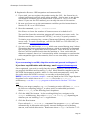
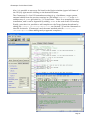
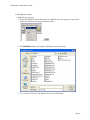
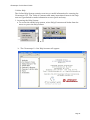
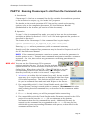
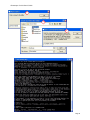
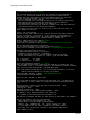
1. If Cleanscape C++lint is not registered, a notification will be displayed. To
continue, press OK. The following dialog will appear (NOTE: your server code
will be different!):
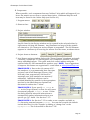
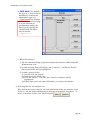
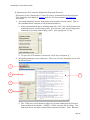
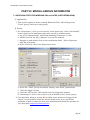
2. To obtain your activation key, contact Cleanscape Software and provide the
server code listed on the “Register Cleanscape C++lint” window. The “Server
Code” is on the line with a yellow background. HINT: Highlight the server
code with your mouse. Unix users, you now have a copy; Windows users,
type CTRL-C on your keyboard to copy the server code.
To reach Cleanscape, call 800-94-4LINT or +505-246-0267, or send email to
[email protected].
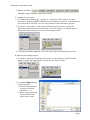
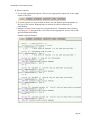
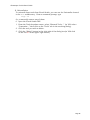
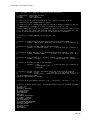
3. Enter your name, company name and the activation key. HINT: Copy the
activation key from your email from Cleanscape, then paste it in the
activation code text box (Windows users, type CTRL-V on your keyboard).
When ready, press OK.
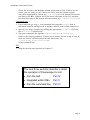
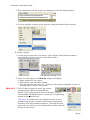
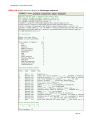
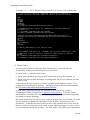
4. You should then see an “About Cleanscape C++lint” dialog box. At this stage,
Cleanscape C++lint is now registered and operational. If you do not see this
dialog box, contact Cleanscape for further assistance (see #2 directly above
for contact info).
Page 9