1
Chapter 22: Commands for Human Languages
210
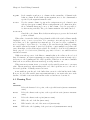
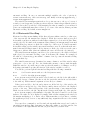
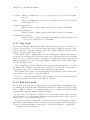
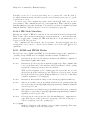
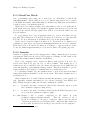
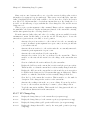
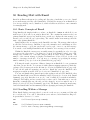
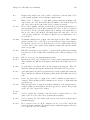
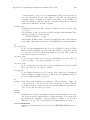
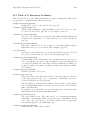
‘.’, ‘?’ or ‘!’ followed by the end of a line or two spaces, with any number of ‘)’, ‘]’, ‘’’,
or ‘"’ characters allowed in between. A sentence also begins or ends wherever a paragraph
begins or ends. It is useful to follow this convention, because it allows the Emacs sentence
commands to distinguish between periods that end a sentence and periods that indicate
abbreviations.
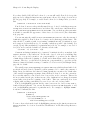
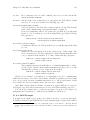
If you want to use just one space between sentences, you can set the variable
sentence-end-double-space to nil to make the sentence commands stop for single
spaces. However, this has a drawback: there is no way to distinguish between periods
that end sentences and those that indicate abbreviations. For convenient and reliable
editing, we therefore recommend you follow the two-space convention. The variable
sentence-end-double-space also affects filling (see Section 22.5.2 [Fill Commands],
page 213).
The variable sentence-end controls how to recognize the end of a sentence. If non-nil,
its value should be a regular expression, which is used to match the last few characters of a
sentence, together with the whitespace following the sentence (see Section 12.6 [Regexps],
page 97). If the value is nil, the default, then Emacs computes sentence ends according to
various criteria such as the value of sentence-end-double-space.
Some languages, such as Thai, do not use periods to indicate the end of a sentence. Set
the variable sentence-end-without-period to t in such cases.
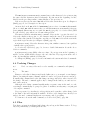
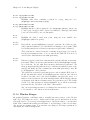
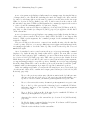
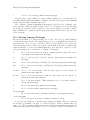
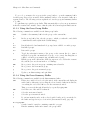
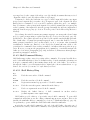
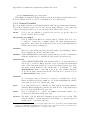
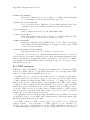
22.3 Paragraphs
The Emacs commands for manipulating paragraphs are also on Meta keys.
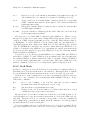
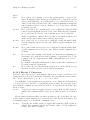
M-{
Move back to previous paragraph beginning (backward-paragraph).
M-}
Move forward to next paragraph end (forward-paragraph).
M-h
Put point and mark around this or next paragraph (mark-paragraph).
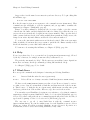
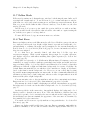
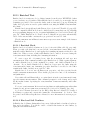
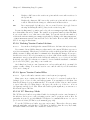
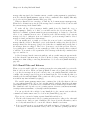
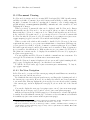
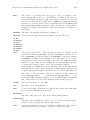
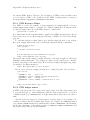
M-{ (backward-paragraph) moves to the beginning of the current or previous paragraph
(see below for the definition of a paragraph). M-} (forward-paragraph) moves to the end
of the current or next paragraph. If there is a blank line before the paragraph, M-{ moves
to the blank line.
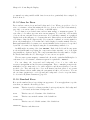
When you wish to operate on a paragraph, type M-h (mark-paragraph) to set the region
around it. For example, M-h C-w kills the paragraph around or after point. M-h puts point
at the beginning and mark at the end of the paragraph point was in. If point is between
paragraphs (in a run of blank lines, or at a boundary), M-h sets the region around the
paragraph following point. If there are blank lines preceding the first line of the paragraph,
one of these blank lines is included in the region. If the region is already active, the command
sets the mark without changing point, and each subsequent M-h further advances the mark
by one paragraph.
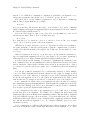
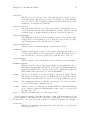
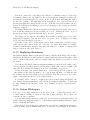
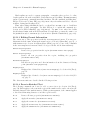
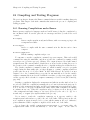
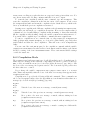
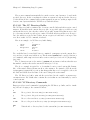
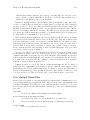
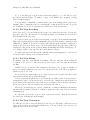
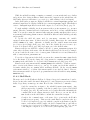
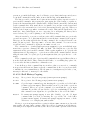
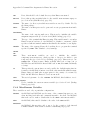
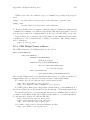
The definition of a paragraph depends on the major mode. In Fundamental mode, as
well as Text mode and related modes, a paragraph is separated each neighboring paragraph
another by one or more blank lines—lines that are either empty, or consist solely of space,
tab and/or formfeed characters. In programming language modes, paragraphs are usually
defined in a similar way, so that you can use the paragraph commands even though there
are no paragraphs as such in a program.