1
ECOS Recipient Agency User Manual
2. Edit Contacts
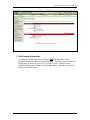
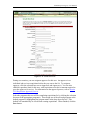
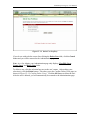
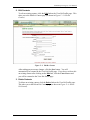
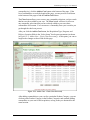
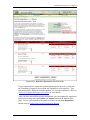
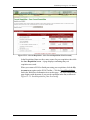
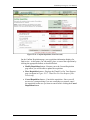
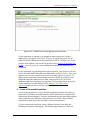
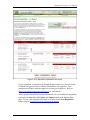
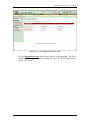
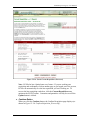
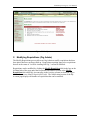
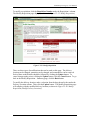
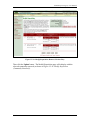
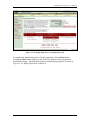
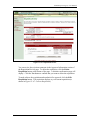
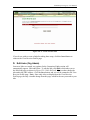
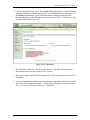
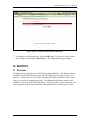
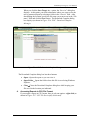
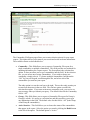
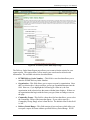
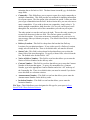
To edit an existing contact, click the Edit link on the View RA Profile page. This
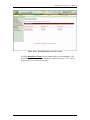
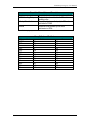
takes you to the Edit RA Contact page (as shown in Figure V–3: Edit RA
Contact).
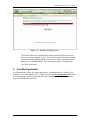
Figure V–3: Edit RA Contact
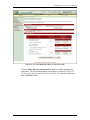
After making any necessary changes, click the Save button. You will
automatically be returned to the View RA Profile page. If you do not wish to edit
an existing contact after clicking on the Edit link, click the Cancel button and
you will be returned to the View RA Profile page.
3. Delete Contacts
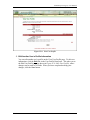
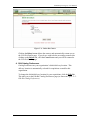
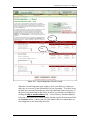
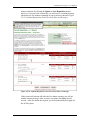
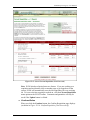
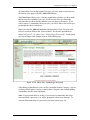
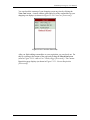
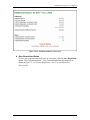
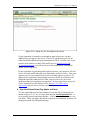
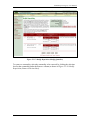
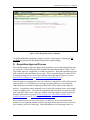
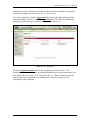
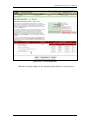
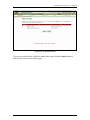
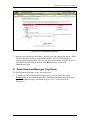
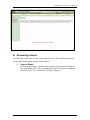
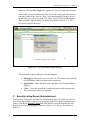
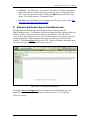
To delete an existing contact, click the Delete link on the View RA Profile page.
This takes you to the Delete RA Contact page (as shown in Figure V–4: Delete
RA Contact).
Final
29
8/26/2005