1
PC Application User Manual
3.4.4. State Color
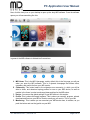
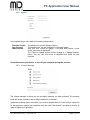
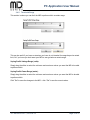
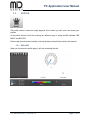
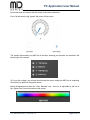
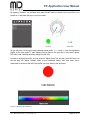
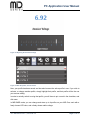
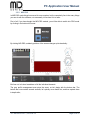
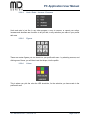
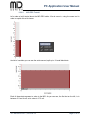
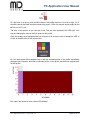
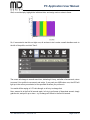
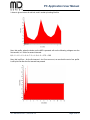
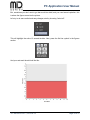
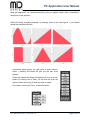
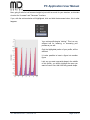
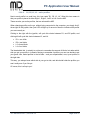
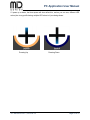
State color is where you set the colors you want your MiD to display during various operations.
Profile Switching:
Profile Programming:
Vaping Style Switching:
Shut Down:
Monitoring:
Click the box to set the color you want the MiD
whenever you activate profile switching mode
Click the box to set the color you want the MiD
whenever you activate profile programming mode
Click the box to set the color you want the MiD
whenever you activate vaping style switching mode
Click the box to set the color you want the MiD
whenever it is shutting down
Click the box to set the color you want the MiD
whenever you activate monitoring mode
to display
to display
to display
to display
to display
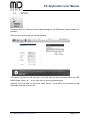
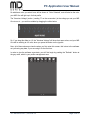
After you have made your changes, click the ”Set” button to save these changes to the MiD.
Clicking ”Get” will show the current values.
JTY-4S0-0E10-0-V1.1, 2013-02-14
Page 14 of 41