1
PC Application User Manual
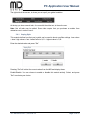
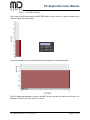
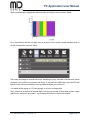
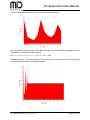
As you can see, my profile 4 is quite colorful ; but notice how the selection has not changed; it
still covers from 1 second, to 3.7 seconds.
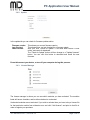
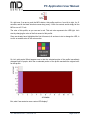
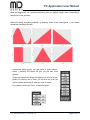
So, if i click ”copy” now, and then highlight the profile i came from, and then hit paste, i can
actually ”steal” the profile information from profile 4, and use it in my profile 3 – all in the same
spot.
The possibilities are endless, and in order to fully appreciate just how much you can do with the
MiD and our software, we simply encourage you to play around with it.
Highlight a profile, edit it, mark the checkbox, click save; and test it. Then keep on tweaking it,
until its perfect for you.
In order to delete a profile, again highlight the profile, mark the checkbox, and click ”Delete” and
that profile will be deleted.
3.5.2.10.
Share and Explore Other Vaping Profiles
Once you find that perfect profile for your favourite atomizer, it’s time to share it with your friends
at midseries.com.
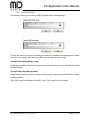
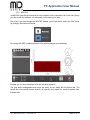
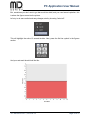
In order to do so, you simply mark the checkbox to the left of the profile you want to share, and
click ”Export”.
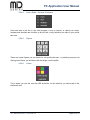
This will bring up a new window, asking you to select where you want to export your profile to.
Select a directory you can remember, or place it on your desktop for easy access.
The file you just exported is the file you want to point to, when you are on midseries.com, and
want to upload a profile to share with other users; this file contains all the information needed for
other users to share and enjoy your hard work.
Importing a profile works just the same; highlight a profile, click the checkbox, and press import;
a file browser asks you to point to the file you wish to import – and you are done.
JTY-4S0-0E10-0-V1.1, 2013-02-14
Page 37 of 41