1
NOTE
•
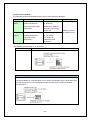
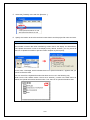
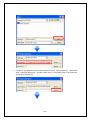
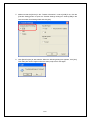
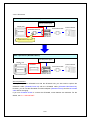
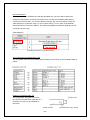
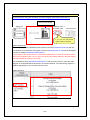
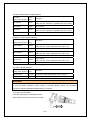
Depending on the model you are converting from, the [Convert Destination] dialog
box may appear and you can select the type and the model.
•
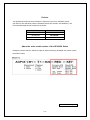
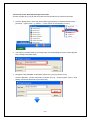
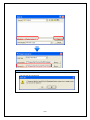
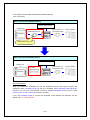
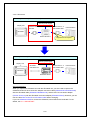
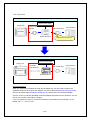
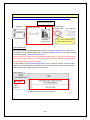
If the following dialog box appears, set a CF card output folder.
→ See the next page
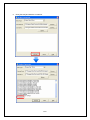
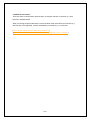
Convert GP-PRO/PB3 for Windows’ “Destination CF Card Folder”
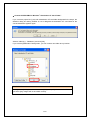
6.
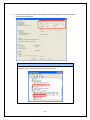
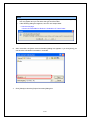
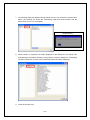
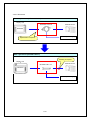
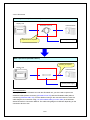
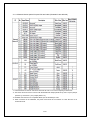
After conversion, the [Save convert information] dialog box appears. If you click [Save], you
can save the conversion information in a text file.
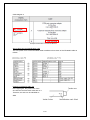
7.
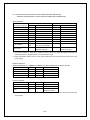
Click [Close] to close the [Project Converter] dialog box.
21/56