1
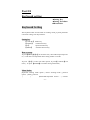
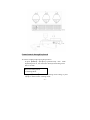
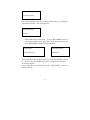
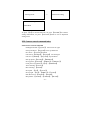
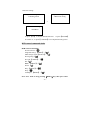
Keyboard setting menu
Keyboard setting menu
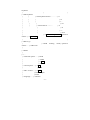
1. working mode
→
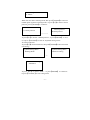
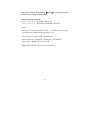
2.baud rate setting
2. baud rate setting
9600 Bit/S
To press 【F1】to choose baud rate, To press 【ENTER】to confirm
setting information; To press 【CANCEL】menu to exit to keyboard
setting menu.
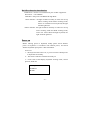
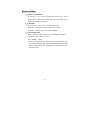
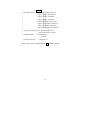
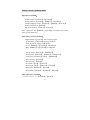
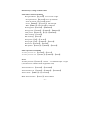
PTZ Camera control command index
PTZ Camera control command
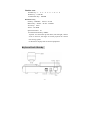
P/T Right and left:【joystick】 move to left or right
P/T up and down:【Joystick】move up and down
lens zoom :【Joystick】rotation
Lens Focus:
【SHIFT】+【Joystick】 left and right
Lens Iris:【SHIFT】+【Joystick】Up and down
Pick up preset:【number】+【PRESET】
Set up preset:
【number】+【SHIFT】+【PRESET】
Clear preset:
【number】+【F1】+【PRESET】
Auto scanning:【AUTO】
Run scanning:【AUTO】
Set up left :
【F1】+【AUTO】
Set up right :
【F1】+【SHIFT】+【AUTO】
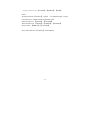
Run Preset tour:【number】+【SCAN】
Run pattern:
【number】+【SHIFT】+【SCAN】
- 22 -