1
User’s manual NAVIGON 63xx
►
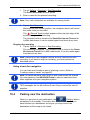
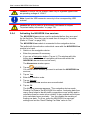
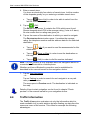
You can use the
(Up) and
(Down) buttons to select other
help points in the selected category.
The help points are sorted by distance from your current position.
►
Use the
window.
(Back) button to return to the DIRECT HELP
Note: Only those help points are displayed which are situated no further
than than 30 mi from your position.
10.8
GPS Status, saving the current location
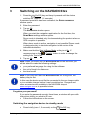
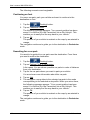
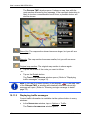
In the GPS STATUS window you will find an overview of the data the
navigation system calculates from the GPS signals it receives.
The GPS status can be accessed from the options button in many
windows.
►
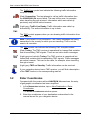
Tap on Options > GPS Status.
The current location can be saved in the FAVOURITES list.
1. Tap on Save Position.
The SAVE DESTINATION AS... dialog box opens.
2. Enter a name for the destination.
3. Tap on Save.
10.9
Block
You can block a leg of the route at any time during a navigation, i.e. to
re-calculate the route in order to avoid the leg, e.g. if you have heard on
the radio of a traffic jam affecting this section.
Note: The block is valid only for the current navigation. It no longer
exists on a new navigation.
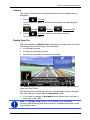
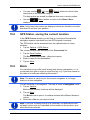
You are currently in a navigation. The map is open in Navigation mode.
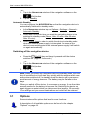
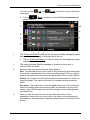
1. Tap on Options.
Buttons with various functions will be displayed.
2. Tap on Block.
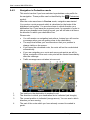
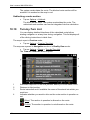
The BLOCK menu opens. It contains buttons with different distance
values.
3. Select the distance you want to block.
Note: If you are currently driving on a motorway, the alternative route
will begin at the next exit. Indicated on the buttons is the junction up to
which the block extends.
Useful functions
- 71 -