1
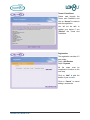
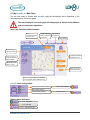
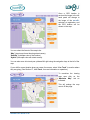
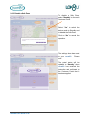
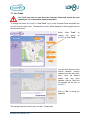
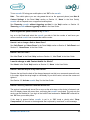
You can select and configure your Time Zone.
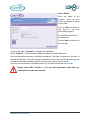
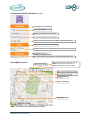
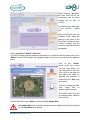
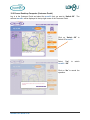
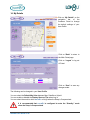
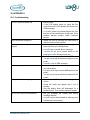
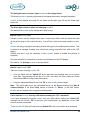
To change the icon, name and colour of your nu•m8+ click on “Edit”
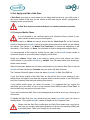
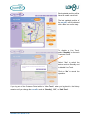
The configured details of the
nu•m8+ will be displayed.
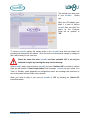
The Device Name, Icon
Colour and Image can be
changed.
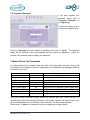
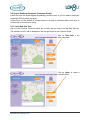
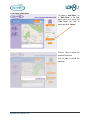
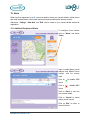
Make the required changes
and click on “Save” to save
the alterations.
Click on “Cancel” to cancel
the operation
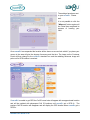
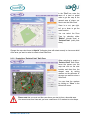
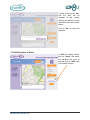
Click on “Back” to return to
User Profile configuration.
nu•m8+ User Guide V1.06
50