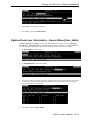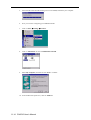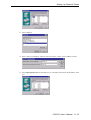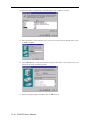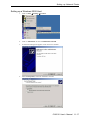
1
9.
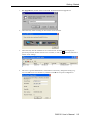
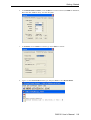
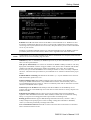
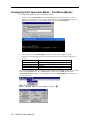
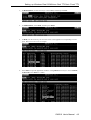
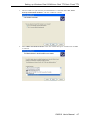
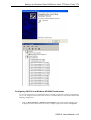
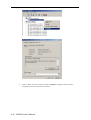
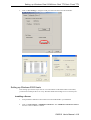
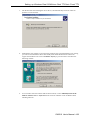
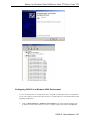
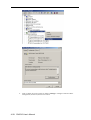
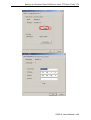
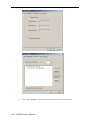
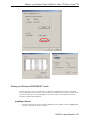
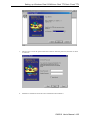
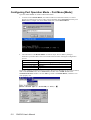
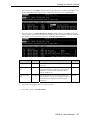
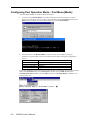
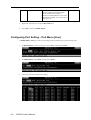
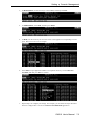
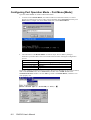
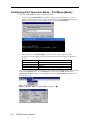
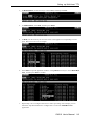
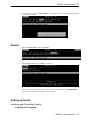
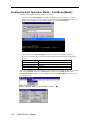
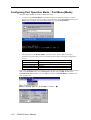
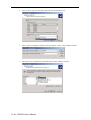
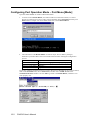
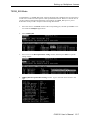
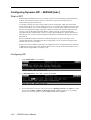
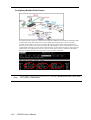
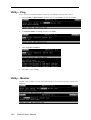
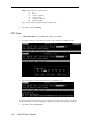
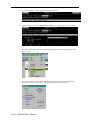
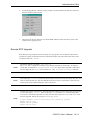
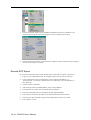
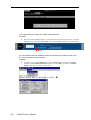
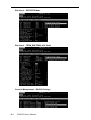
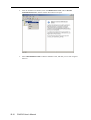
You may use Edit
Font to choose a different font display for MAIN MENU.
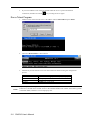
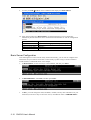
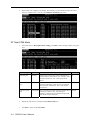
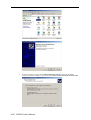
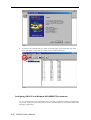
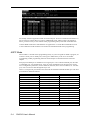
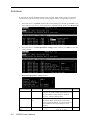
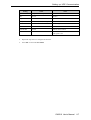
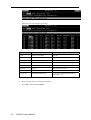
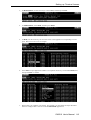
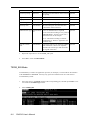
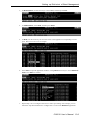
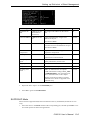
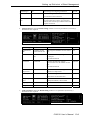
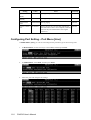
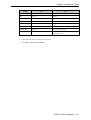
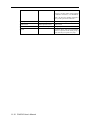
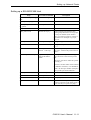
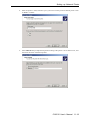
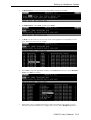
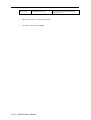
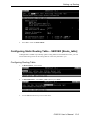
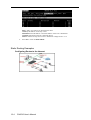
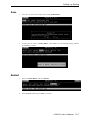
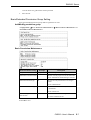
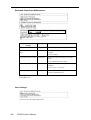
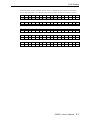
10. After entering CN2510’s MAIN MENU, use the following keys to move and select.
Familiarize yourself with these cursor movement functions before we start the configuration
process.
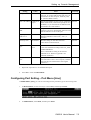
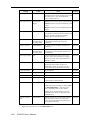
Move
Enter to next menu
Back to previous menu
Fast Key
Key
[Up/Down/Left/Right] Arrow Key or [Tab] Key
[Enter] Key
[Esc] Key
Capital letter of the word
Basic Server Configuration
After learning how to enter Console Utility and CN2510 Utility, you can start to configure basic
information for your CN2510. First enter Console Utility by either using a console terminal or
Telnet terminal, as illustrated earlier in this chapter.
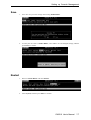
1.
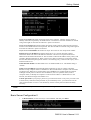
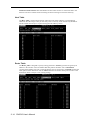
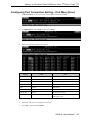
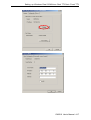
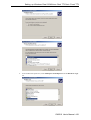
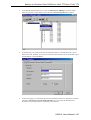
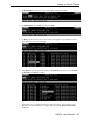
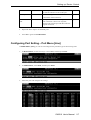
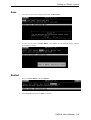
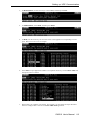
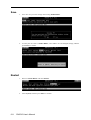
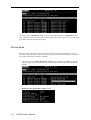
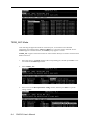
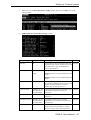
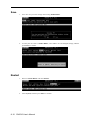
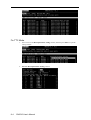
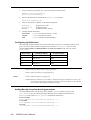
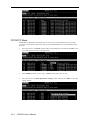
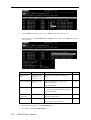
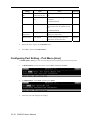
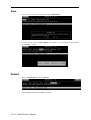
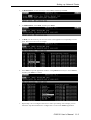
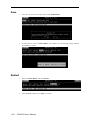
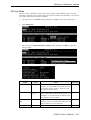
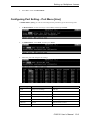
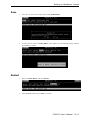
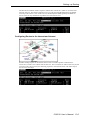
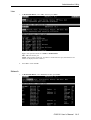
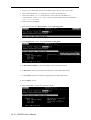
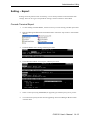
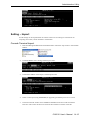
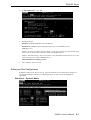
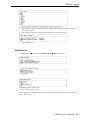
In MAIN MENU, use the arrow keys to select Server, and then press Enter.
2.
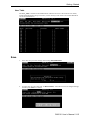
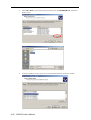
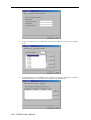
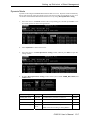
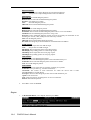
In SERVER MENU, select Info., and then press Enter.
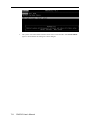
3.
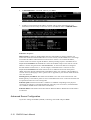
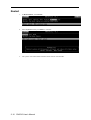
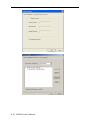
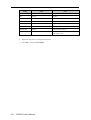
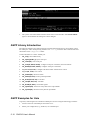
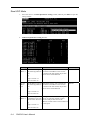
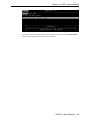
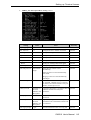
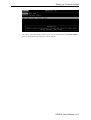
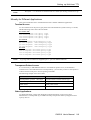
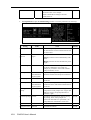
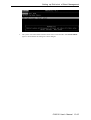
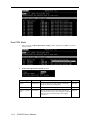
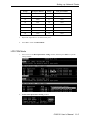
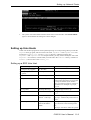
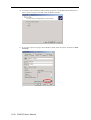
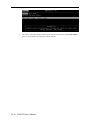
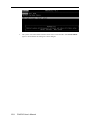
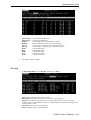
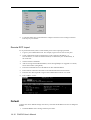
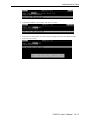
In Info., you must change the name, IP address, netmask, and any other information on your
checklist (use the arrow keys to move the cursor). Press Esc to return to SERVER MENU.
2-10 CN2510 User’s Manual