1
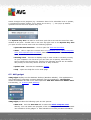
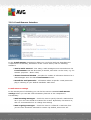
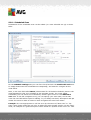
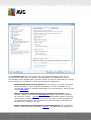
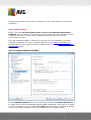
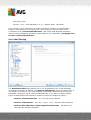
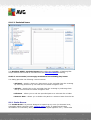
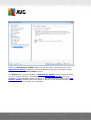
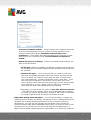
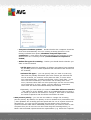
The list of parameters is identical to those available for the Scan of the whole
computer. However, the default settings differ (for instance, Whole Computer scan
by default does not check the archives but it does scan the system environment,
while with the Shell Extension Scan it is the other way).
Note: For a description of specific parameters please consult the chapter AVG
Advanced Settings / Scans / Whole Computer scan.
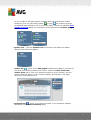
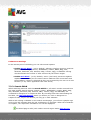
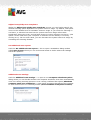
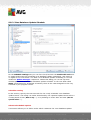
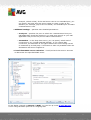
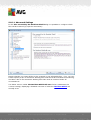
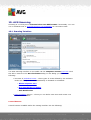
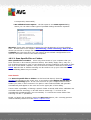
Compared to Whole Computer scan dialog, the Shell extension scan dialog also
includes the section named Other settings related to AVG User Interface, where
you can specify whether you want the scan progress and scan results to be
accessible from the AVG user interface. Also, you can define that the scan result
should only be displayed in case an infection is detected during scanning.
9.7.3. Scan Specific Files or Folders
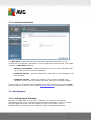
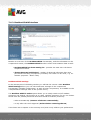
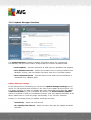
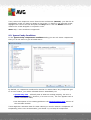
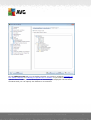
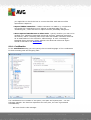
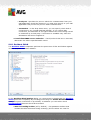
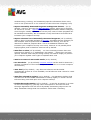
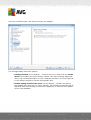
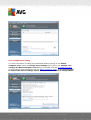
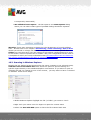
The editing interface for Scan specific files or folders is identical to the Whole
Computer scan editing dialog. All configuration options are the same; however, the
default settings are more strict for the Scan of the whole computer:
A V G A nti- V irus Free E dition 2 0 1 1 © 2 0 1 0 C opyright A V G T ec hnologies C Z, s .r.o. A ll rights res erved.
69