1
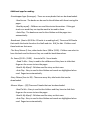
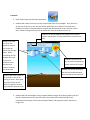
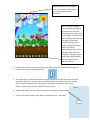
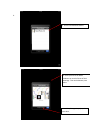
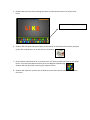
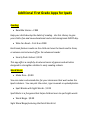
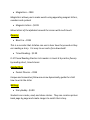
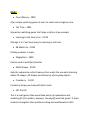
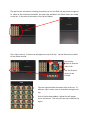
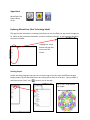
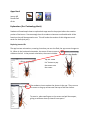
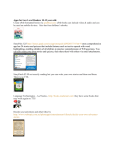
4. The above picture shows the “Sonic Pic Lite” application. At this time, I do not have access to
the full version of this application to provide step-by-step directions. Below are the directions
for the lite version that should be similar to the full version.
5.
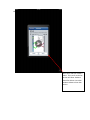
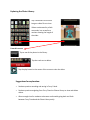
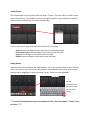
1. This screen will show once
the Sonic Pics Lite application
2. Have students type the title of
their small moment
3. If students know what a
“summary” is, have student write one
sentence of what their story is about.
This can be tricky for some.
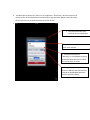
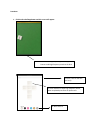
4. Have students press the “add”
button to add their pictures that they
created on doodle buddy which are
saved in the photo album.