1
11. PERSONALIZATION
11 PERSONALIZATION
The system is set for operations from its installation by a
service ASSISTANCE technician.
11.1 Access sequence
•
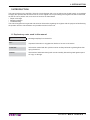
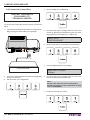
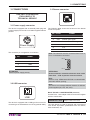
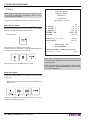
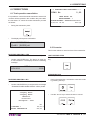
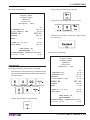
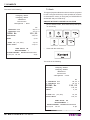
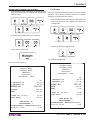
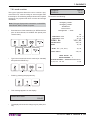
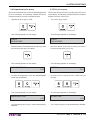
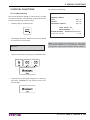
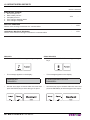
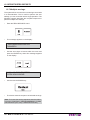
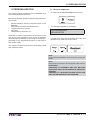
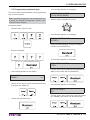
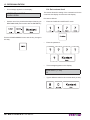
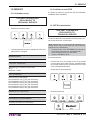
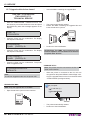
To enter into the PROGRAMMING menu press:
•
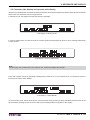
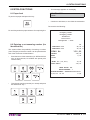
This message appears on the display:
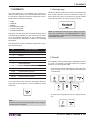
Main personalization operations performed by the technician include:
•
•
•
•
•
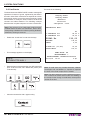
Receipt headings with the corporate name of the
Business,
Descriptions of articles and departments,
Programming of PLU prices,
VAT rates,
Parameters for discounts, etc.
Generally no further interventions are required by the
user for any other operations, even if each shopkeeper
has however the possibility of accessing the system programming to vary programming options on the basis of
his/her own needs.
PROGRAMMERING
VARUGRUPPER
•
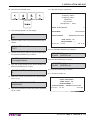
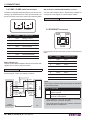
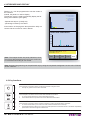
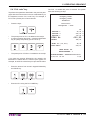
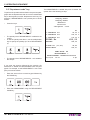
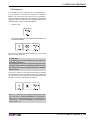
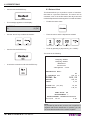
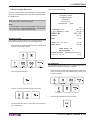
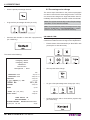
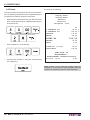
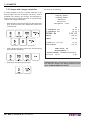
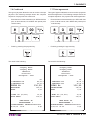
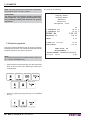
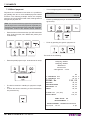
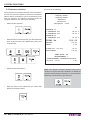
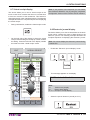
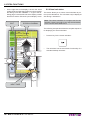
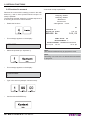
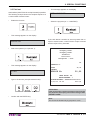
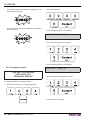
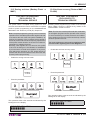
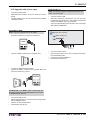
Use the arrow keys to browse within the menu and
ENTER key to enter into the sub-menu:
This chapter contains instructions for personalising data
and system functions.
Note:
For the full personalization of the archives, contact the
dealer.
Note:
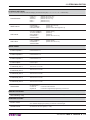
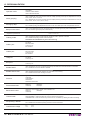
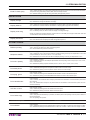
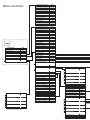
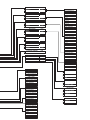
See the menu structure in the last pages of this manual.
ATTENTION:
CHANGES TO PAYMENTS AND VAT BECOME
EFFECTIVE ONLY AFTER MAKING A FINANCIAL
ZEROING.
CHANGES TO HEADERS BECOME EFFECTIVE
ONLY AFTER MAKING A DAILY ZEROING
User Manual
BIG II TOUCH S 71