1
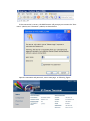
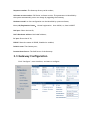
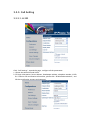
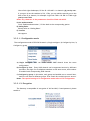
Sequence number: The Gateway factory serial number;
Software version number: FXS Series’ software version. This parameters is identified by
the system automatically, users can change by upgrading the Gateway;
Hardware model: Its line configuration can be identified by system software;
Line (1-8) Registration Status: Normal registration,show LOGIN, or, show LOGOUT.
LAN port: Shows the LAN IP;
LAN’s Hardware address: LAN’s MAC address;
PC port: Shows the PC IP;
PPPOE: Shows the status of PPPOE, Disabled or enabled;
Default route: The Gateway use;
Domain Name Server: The DNS Server of the Gateway.
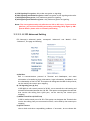
3.3 Gateway Configuration
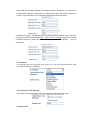
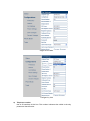
Click “Configure”, enter interface, and start to configure: