1
VE-1010 Veterinary PC ECG User Manual
Processing Pet Records
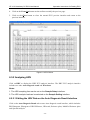
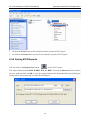
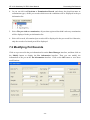
4. Or you can click on Physician or Examination Record, and choose the physician name or
examination types, all the pet records which meet the conditions will be displayed in the pet
information list.
5. Select The pet with no examination, all pets that registered but didn’t take any examination
will be displayed in the pet information list.
6. Select All records, all examined pet records will be displayed in the pet record list. Otherwise,
only the records of selected pet will be displayed.
7.2 Modifying Pet Records
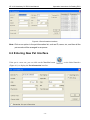
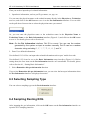
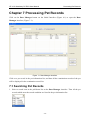
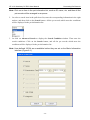
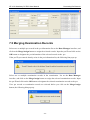
Click on a pet record in the pet information list on the Data Manager interface, and then click on
the Modify button to display the Pet information interface. Then you can modify the
information of the pet on the Pet information interface. Click on the OK button to save these
modifications.
- 40 -