1
4
Reviewing and editing
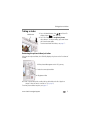
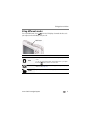
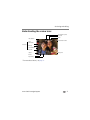
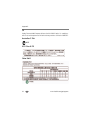
Reviewing pictures/videos
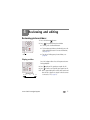
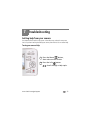
1 Press the Review
2 Press
Review
button.
for previous/next picture/video.
■
To exit, press the Review button.
■
To view pictures/videos as thumbnails, press the
Wide Angle (W) button. For more information,
see page 19.
■
For tips on finding your pictures/videos, see
page 20.
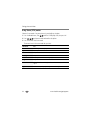
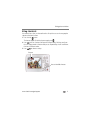
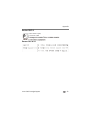
Playing a video
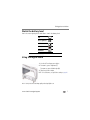
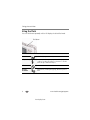
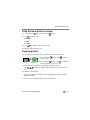
Press OK to play a video. Press OK to pause/resume.
During playback:
■
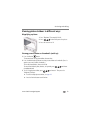
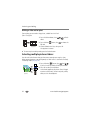
Press
to play at 2X speed; press again for 4X.
Press to reverse at 2X speed; press again for 4X.
NOTE: Audio is captured during video recording. Audio can be heard
when the video os played on a computer or when the camera
is connected to a TV (see page 22).
■
Playback speed
4X 2X
1X
2X
4X
www.kodak.com/go/support
17