1
TOC
INDEX
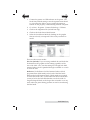
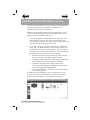
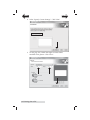
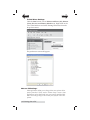
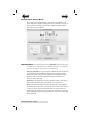
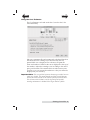
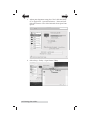
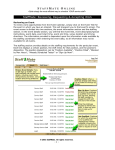
3A. Create a Custom Page Size (Optional). If the paper size
you need to print to is not already in the drop down menu
options select Manage Custom Sizes.
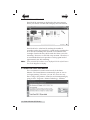
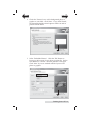
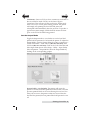
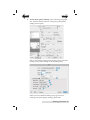
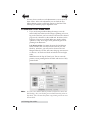
3B. Add a New Custom Paper Size. Click the plus (+) button to
add a new custom paper size. Enter the size on the right. Be
sure to adjust the top, bottom, left and right margins to 0.
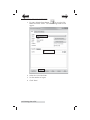
Change the name from "untitled" to the size of your custom
page (W x H). When you have finished adding your new
custom page size, this size will appear in your drop down
menu options for paper size on future print jobs.
48 Printing from a Mac