1
VIMOS User Manual
VLT-MAN-ESO-14610-3509
93
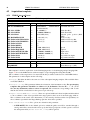
If the ‘FLAG’ of an object is set of ‘F’ (Forbidden), that object will not be considered for slit assignment.
This has the same effect as removing the object from the catalog.
The cases in which you might need this are rare, it application useful when you use the same catalog
for different purposes. E.g. imagine that you use a single catalog to prepare masks for two different grisms
and that you have a few objects for which blue spectra are useless. These objects could be flagged manually
forbidden when preparing the masks for the blue grisms and save you the time to duplicate the catalog.
Curved slits
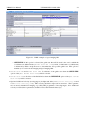
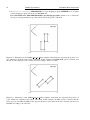
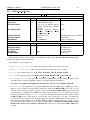
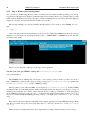
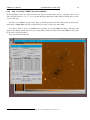
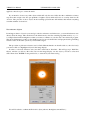
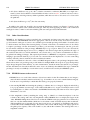
You have the possibility to define curved or tilted slits. To do so, click on the button ‘Curved’. This will
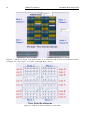
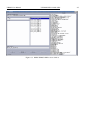
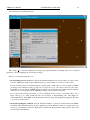
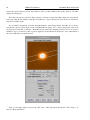
pop-up the ‘Curved Slit’ window (essentially a Pick Object skycat window with several special features):
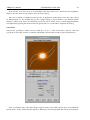
Once you clicked on the object in the image, it appears in the ‘Curved Slit’ window and you can define the
curved slit. To do this, click in the little display to define the points through which the curved slit should pass