1
Using Nav:
Find a destination
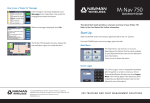
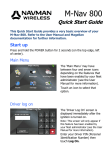
On the ‘Main Menu’, touch Nav.
Touch Menu.
Touch Find location.
Touch your choice: e.g. Find Address.
Enter the information using the onscreen
keyboard.
Touch Find.
The M-Nav displays the search results.
Sometimes there are multiple matches. If
necessary, touch the down-arrow or uparrow to scroll through the list.
Touch the address that you want.
The address is shown on the map. Touch
Navigate to.
The M-Nav 760 calculates the route, displays
the map and starts to give you verbal
directions.